 DRock 3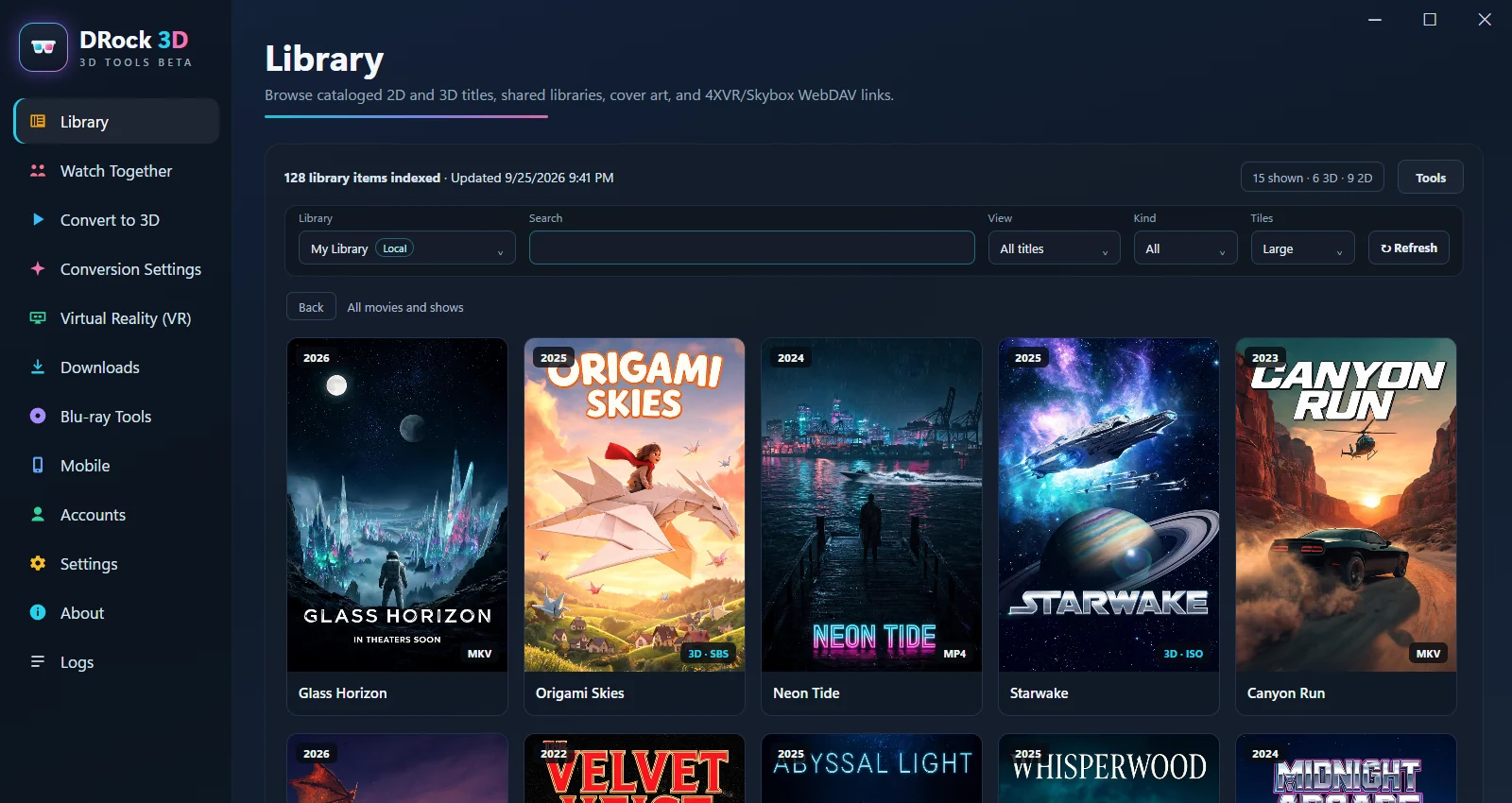
Pick up where you left off.
Browse movies and shows, keep track of what you've watched, and take your library from the headset to your TV or Android phone.
A huge movie screen. Your PC right beside it. And the people you love, still part of the experience. Meet DRock for Meta Quest.
Free during open beta · Windows + Meta Quest + Android TV + phone · Optional paid cloud conversion
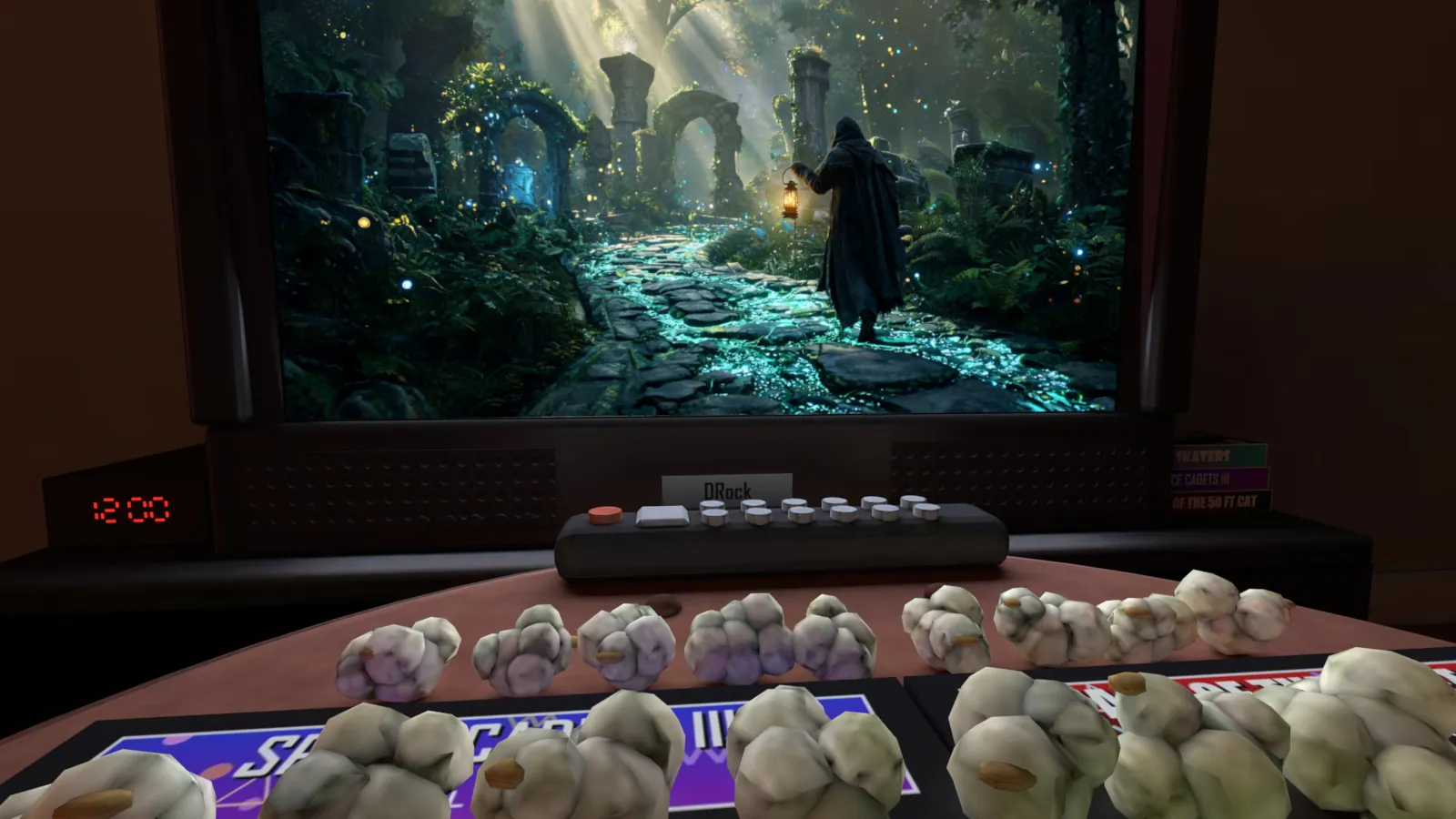
Illustrated Home-window experience with example media. Arrange your windows your way in Quest.
Add depth as you watchLive 3D on your Quest, or your PC at up to 1080p per eye
Bring the library you already havePlex, Kodi, Jellyfin and Emby, even over the network
Make 3D you can keepFull-SBS, Half-SBS, Over-Under and real 3D Blu-ray ISOs
Make movie night a shared nightQuest, TV, phone, and friends
Jovie, one of DRock's AI buddies, shows you around: Live 3D, your library, a private theater, your whole PC and your people. Sound on.
Movies shown are fictional, except Sintel and Big Buck Bunny in the headset captures (© Blender Foundation, CC BY 3.0). The Lost World (1925) is in the public domain, via Wikimedia Commons. Jovie and voice commands are in tester preview and will come with Premium.
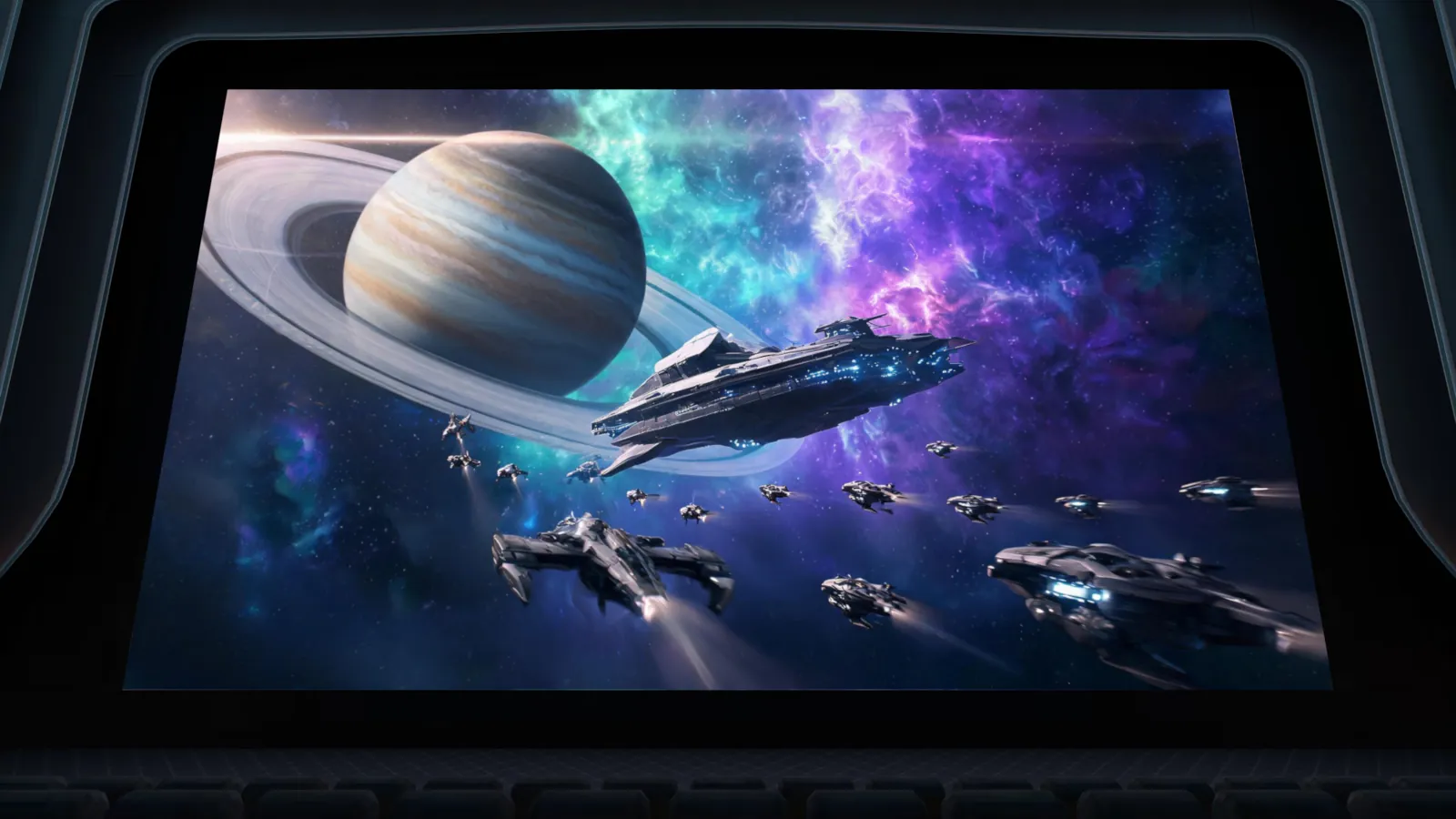
Rediscover your movies with a new sense of depth. Turn a 2D video into 3D while it plays, using the power inside your Quest, or let your PC do it at up to 1080p per eye. No conversion queue. No waiting for a new file.

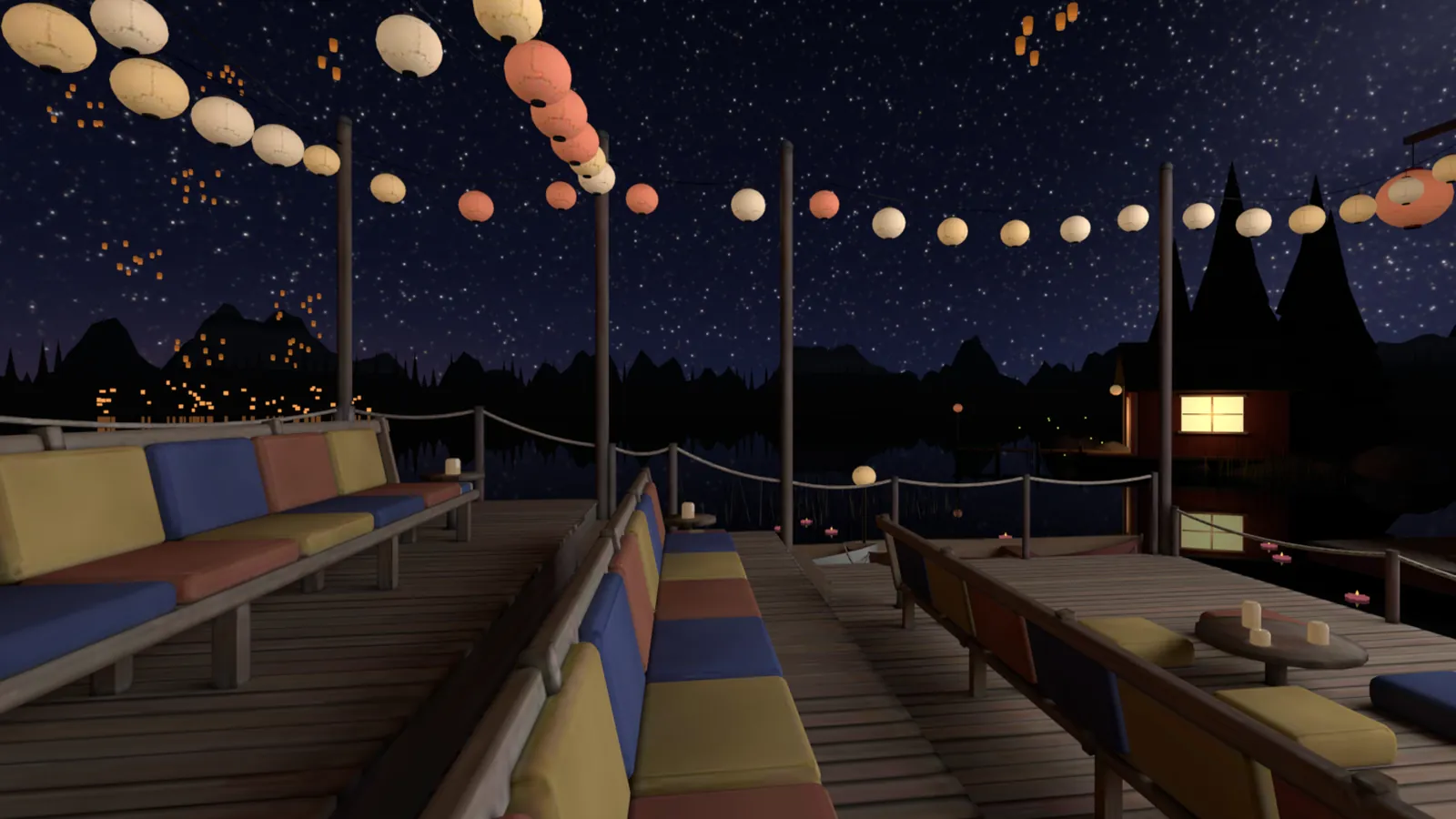
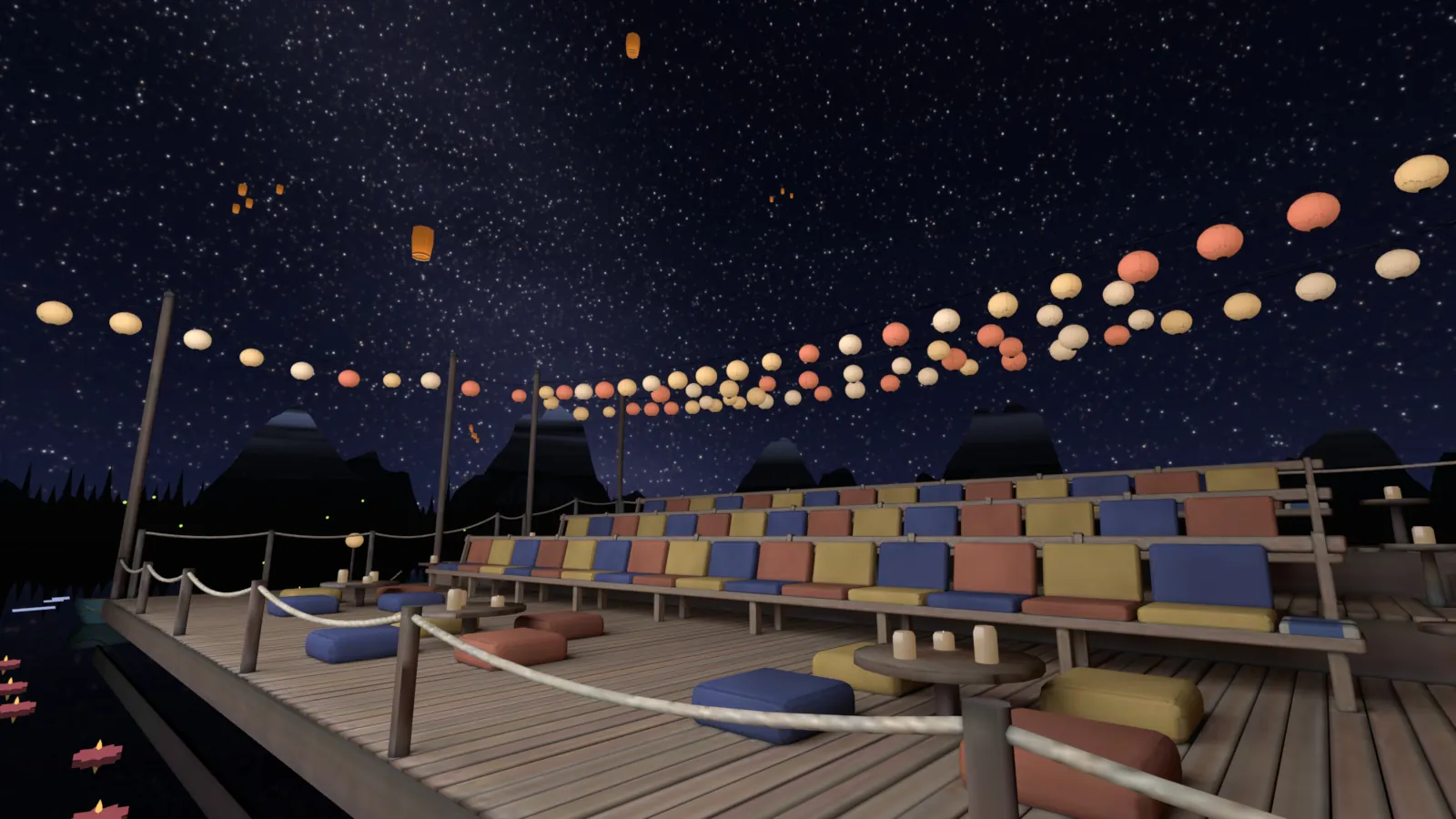
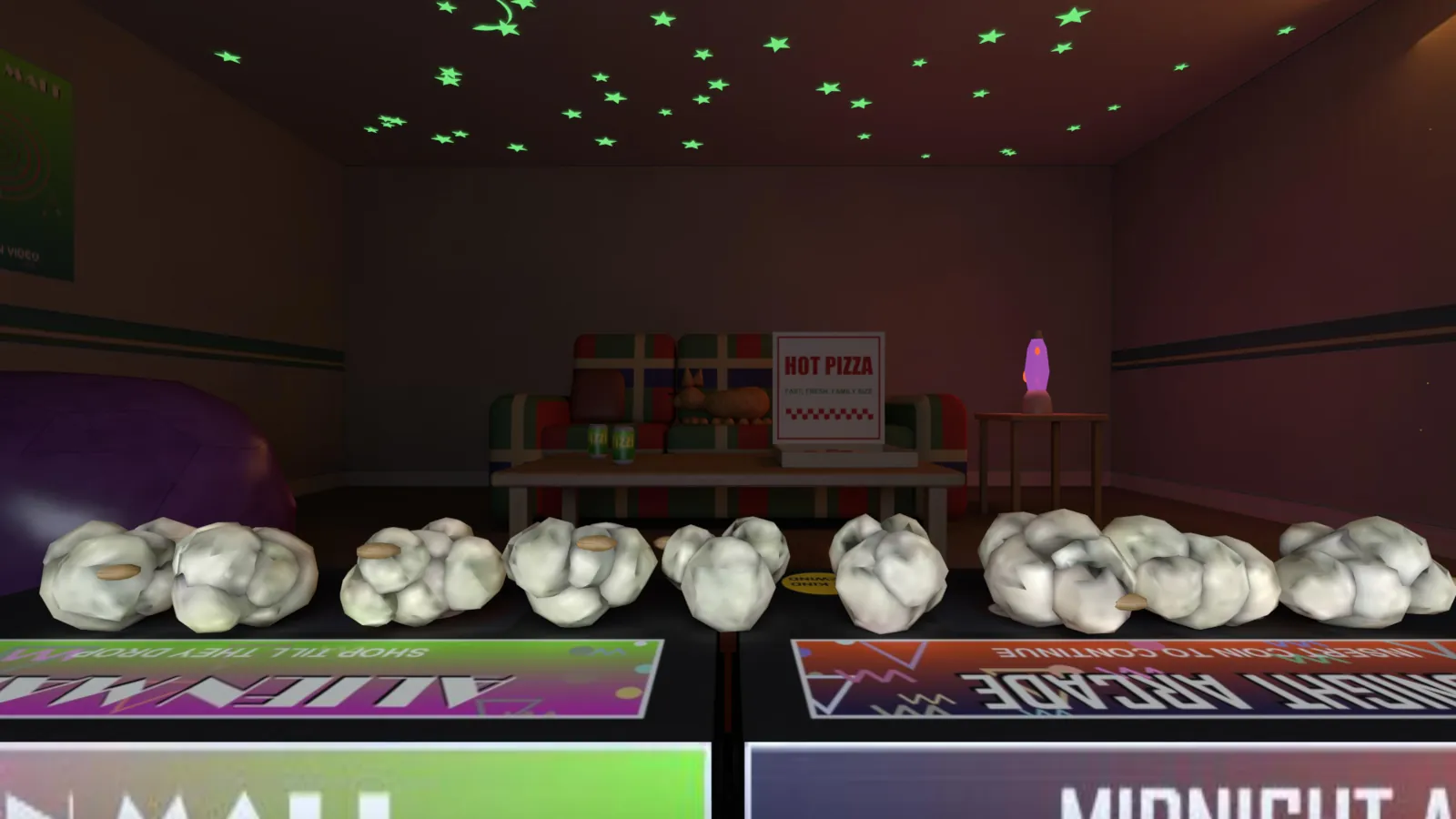
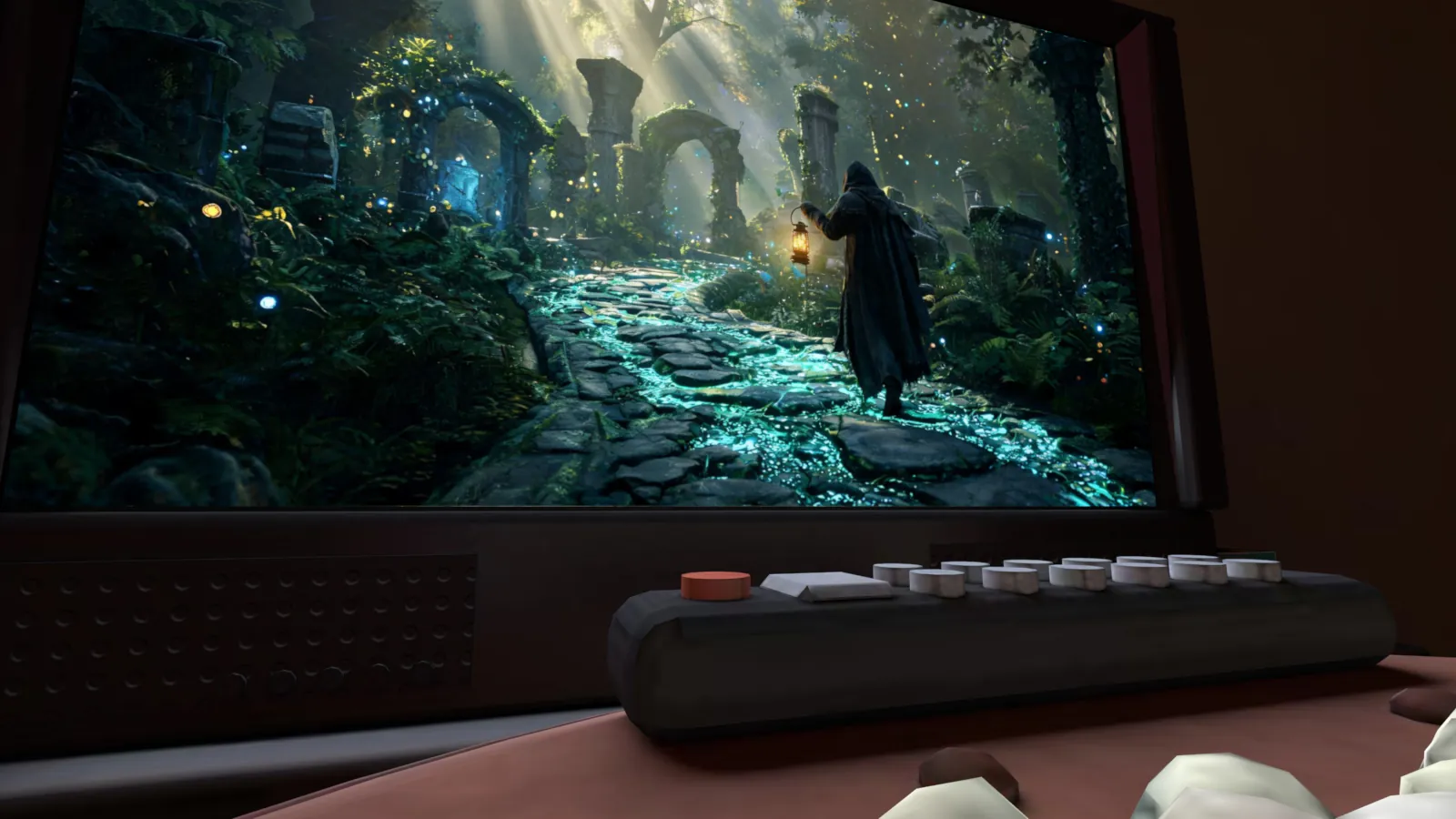
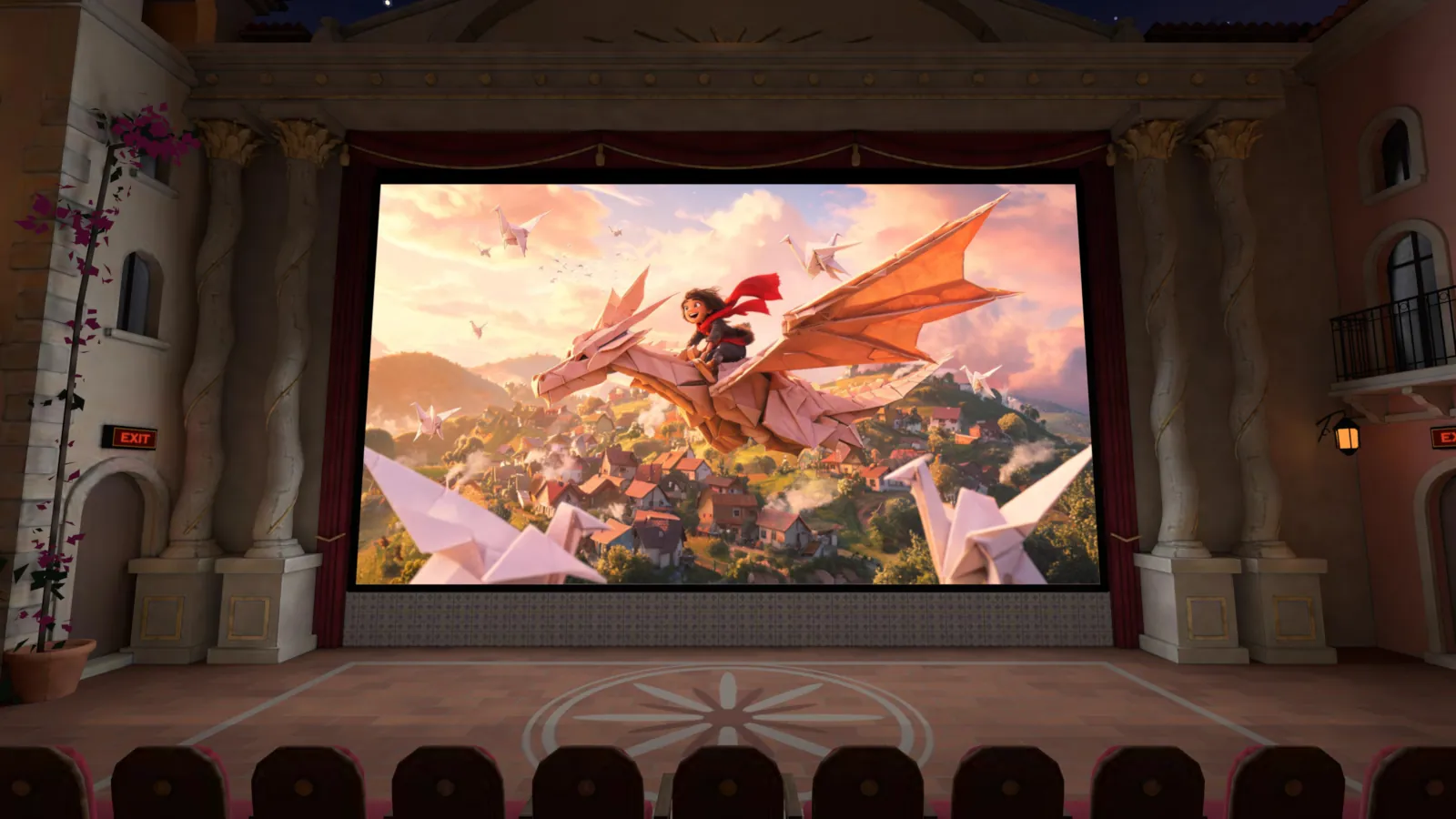
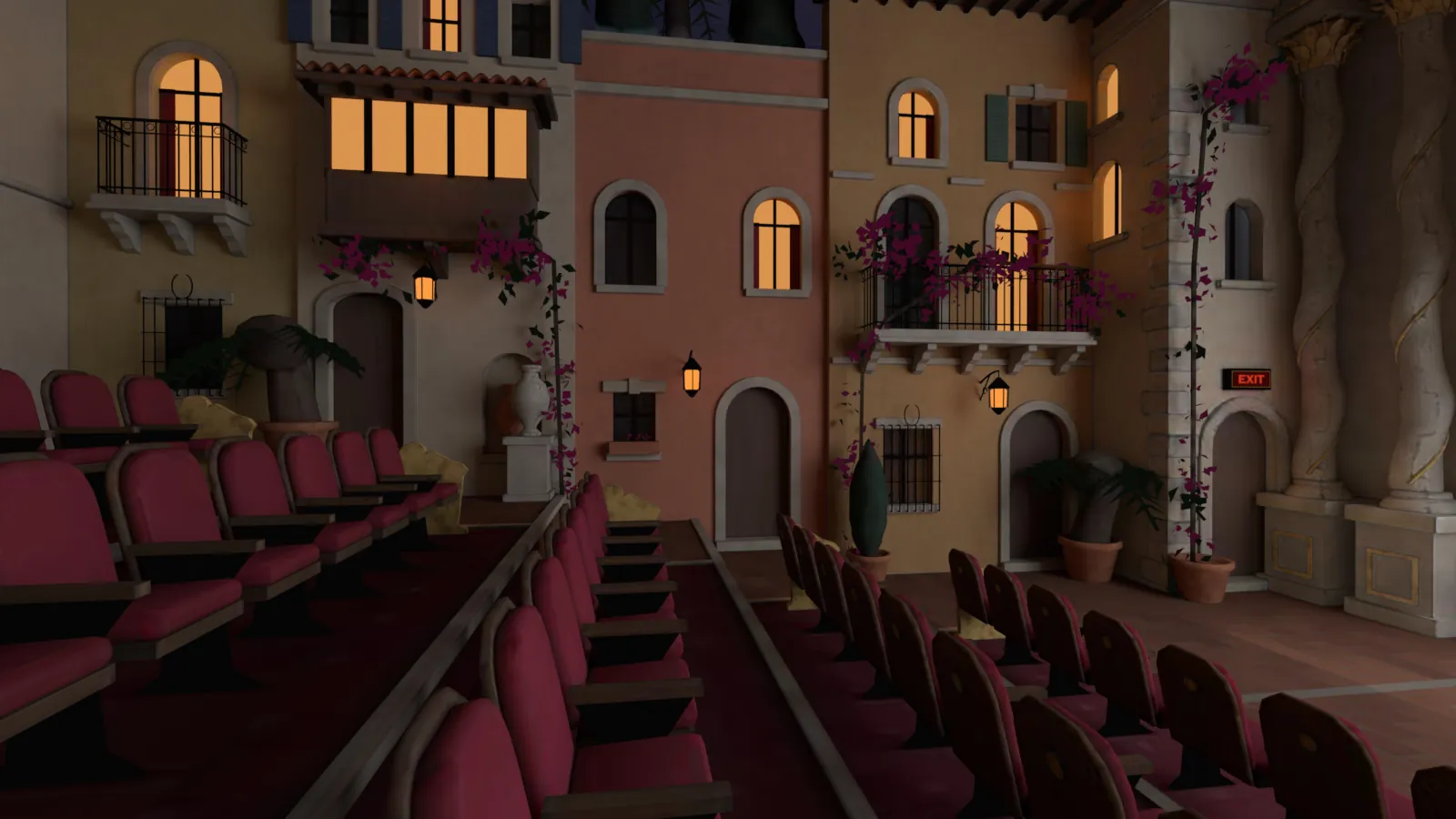
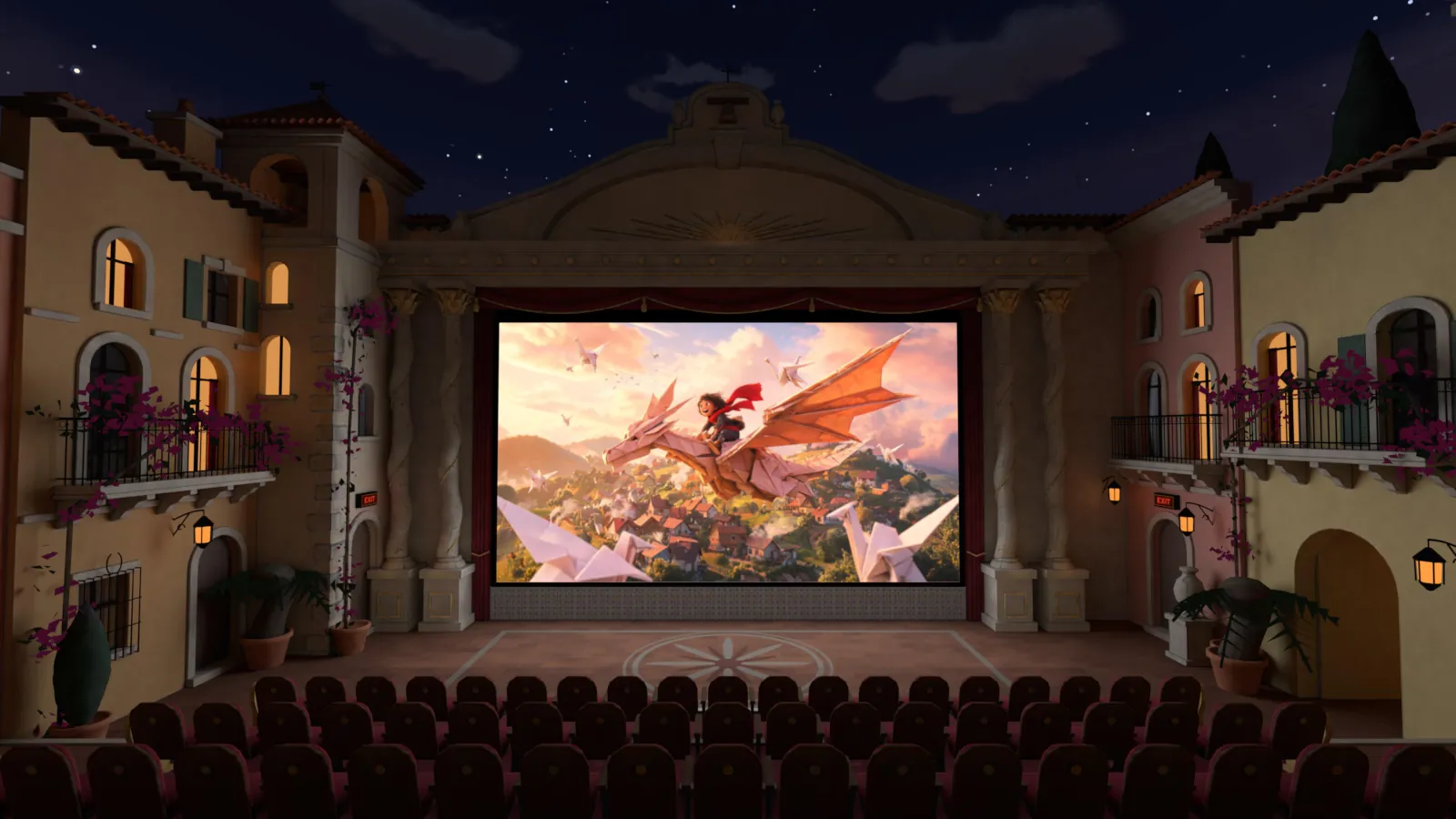
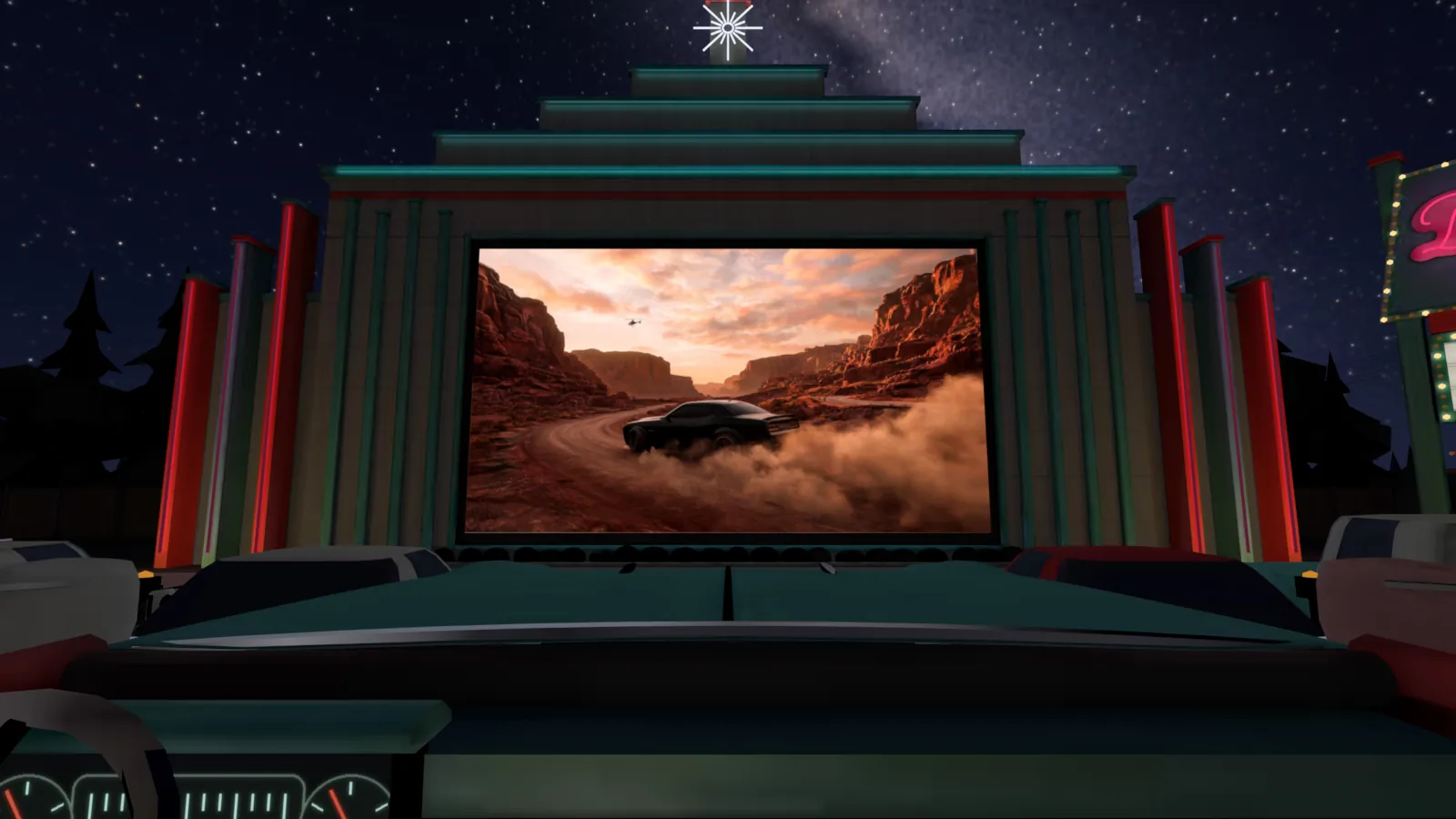
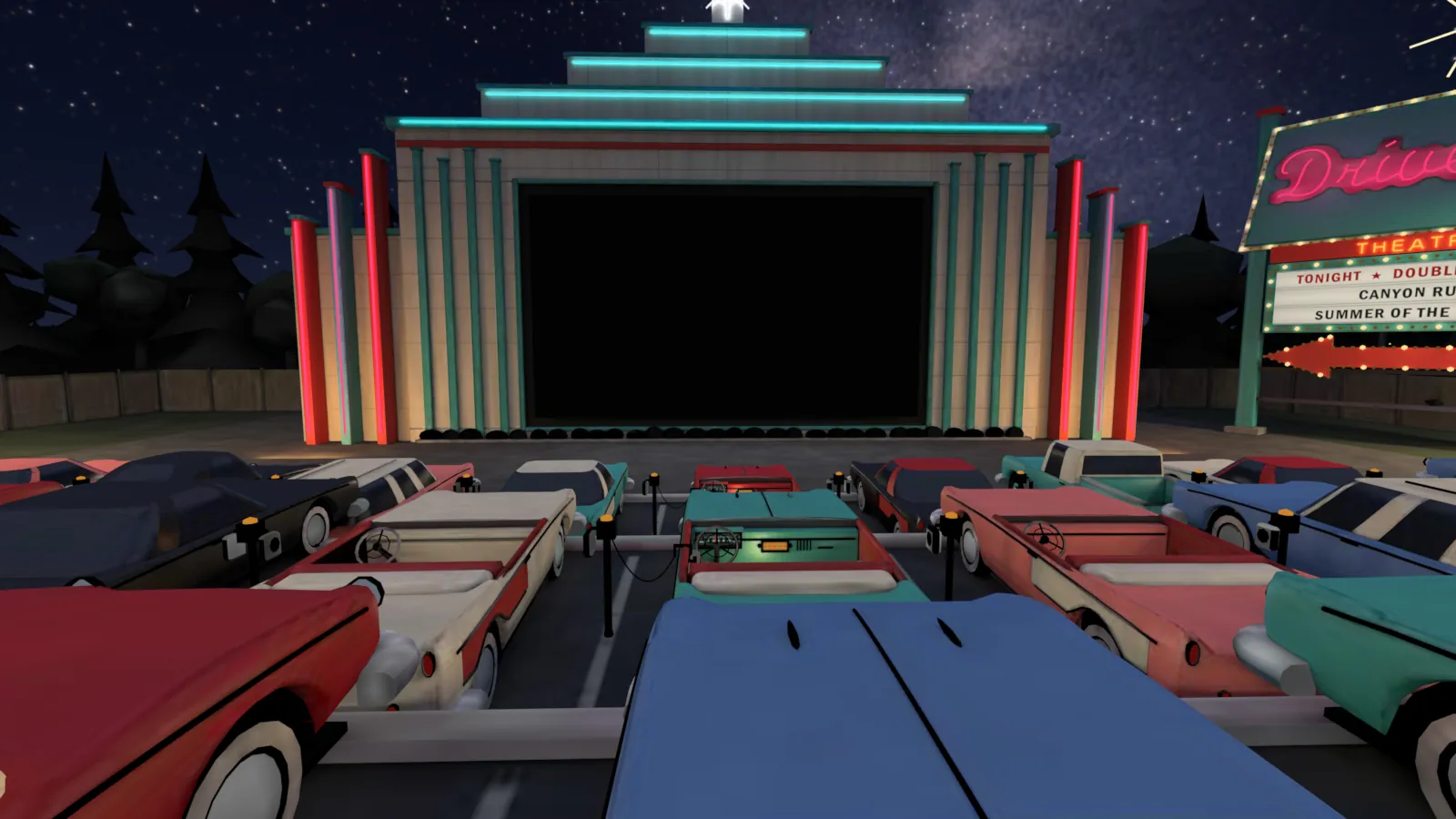
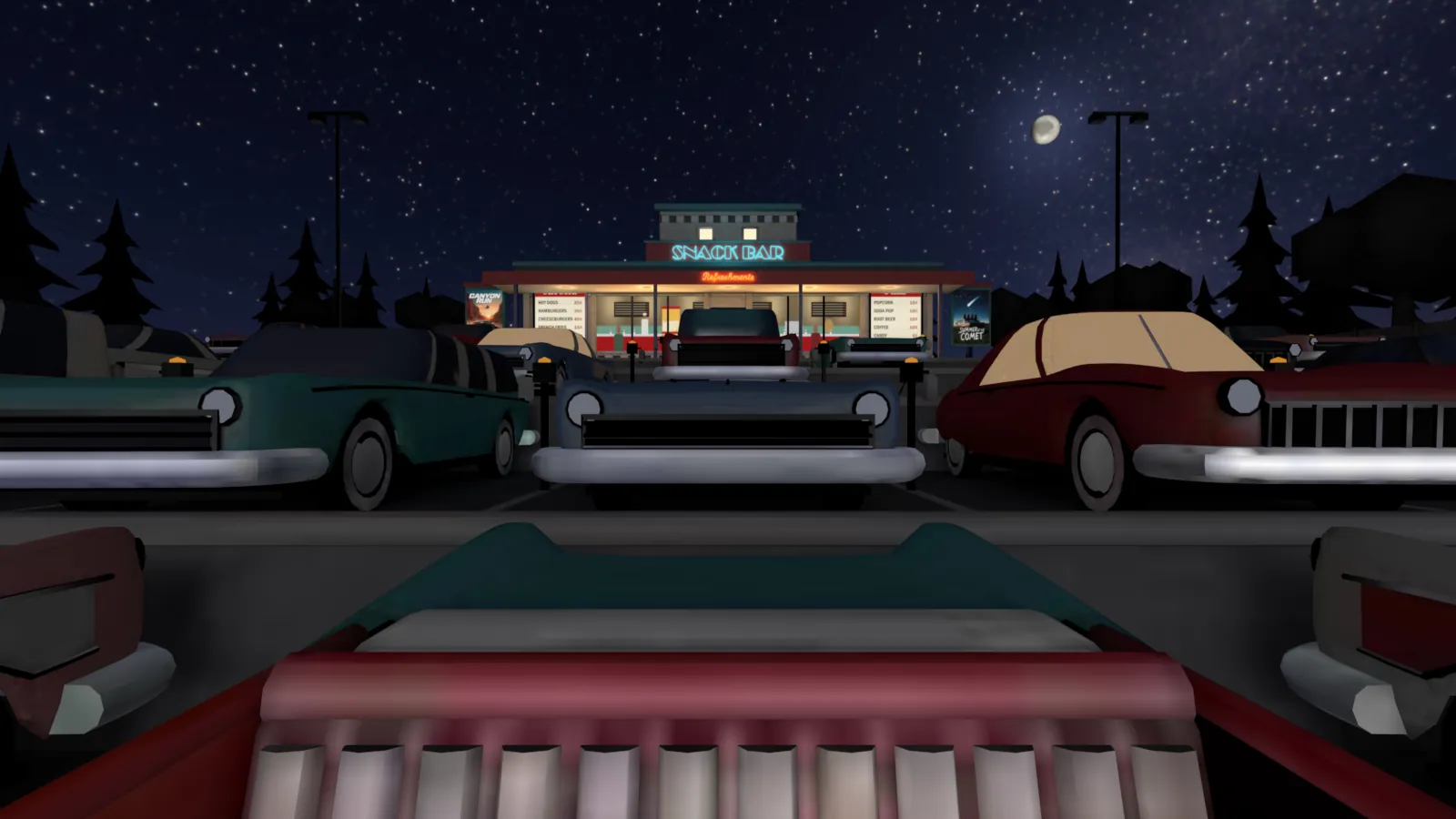
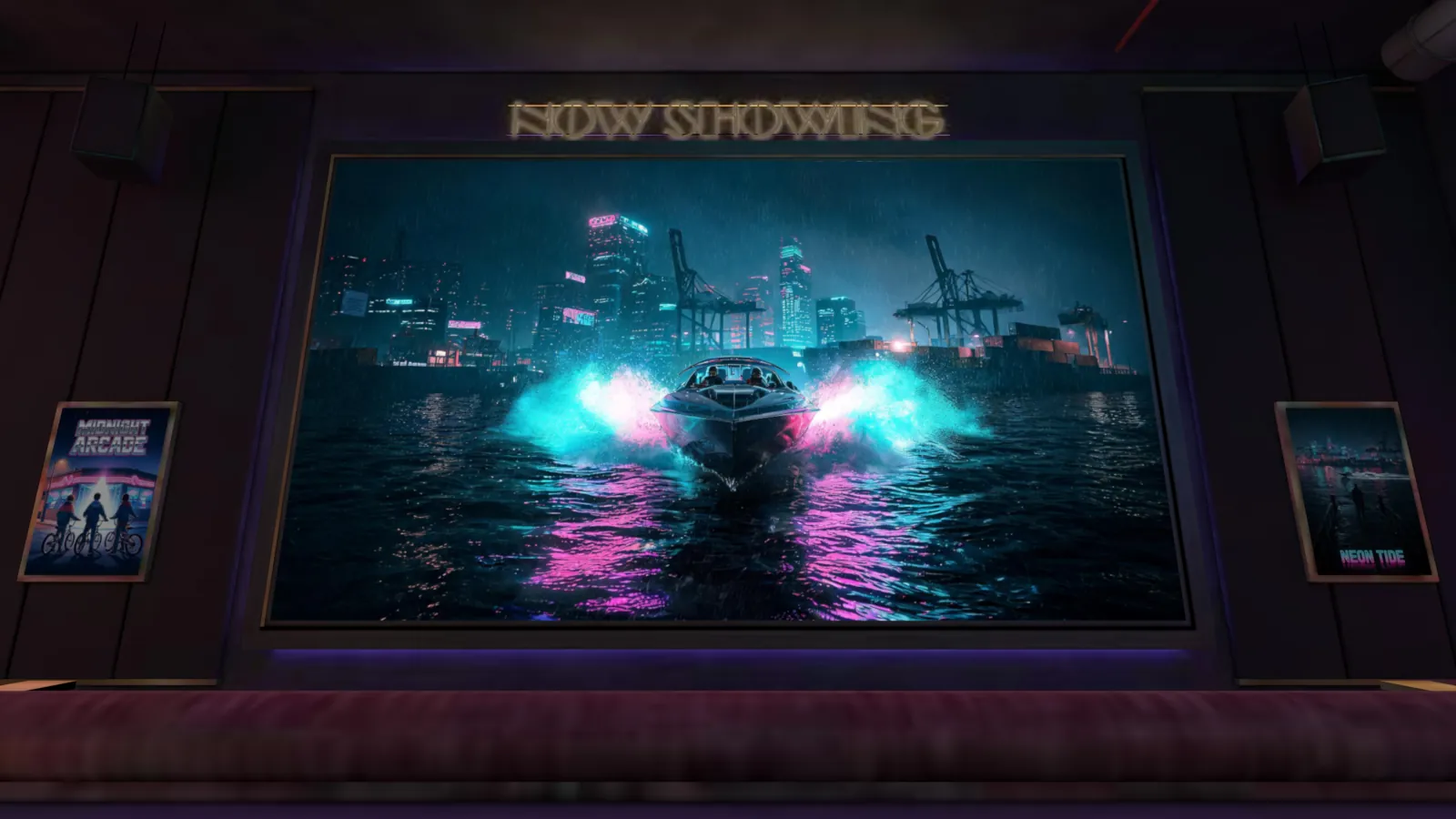
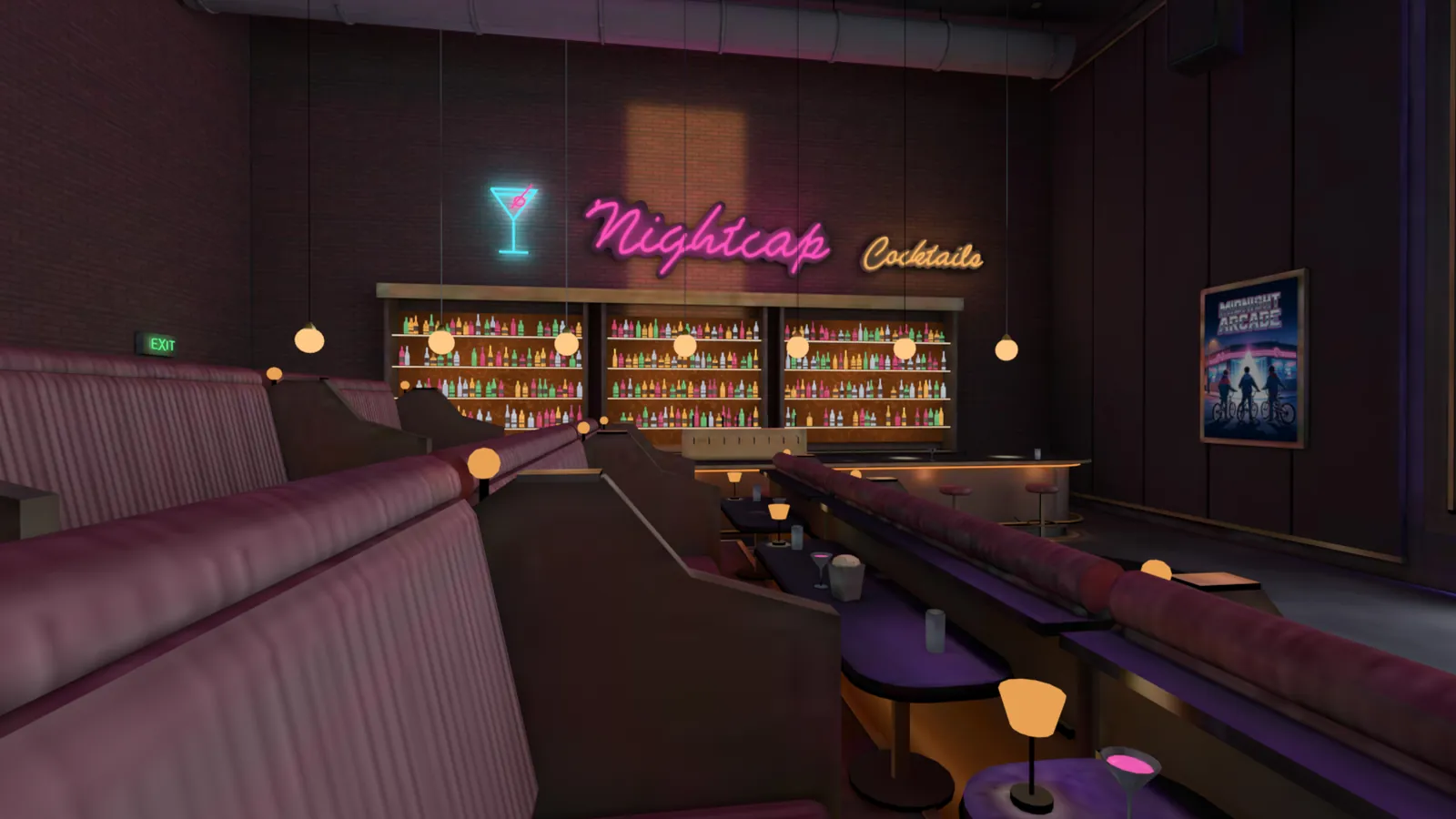
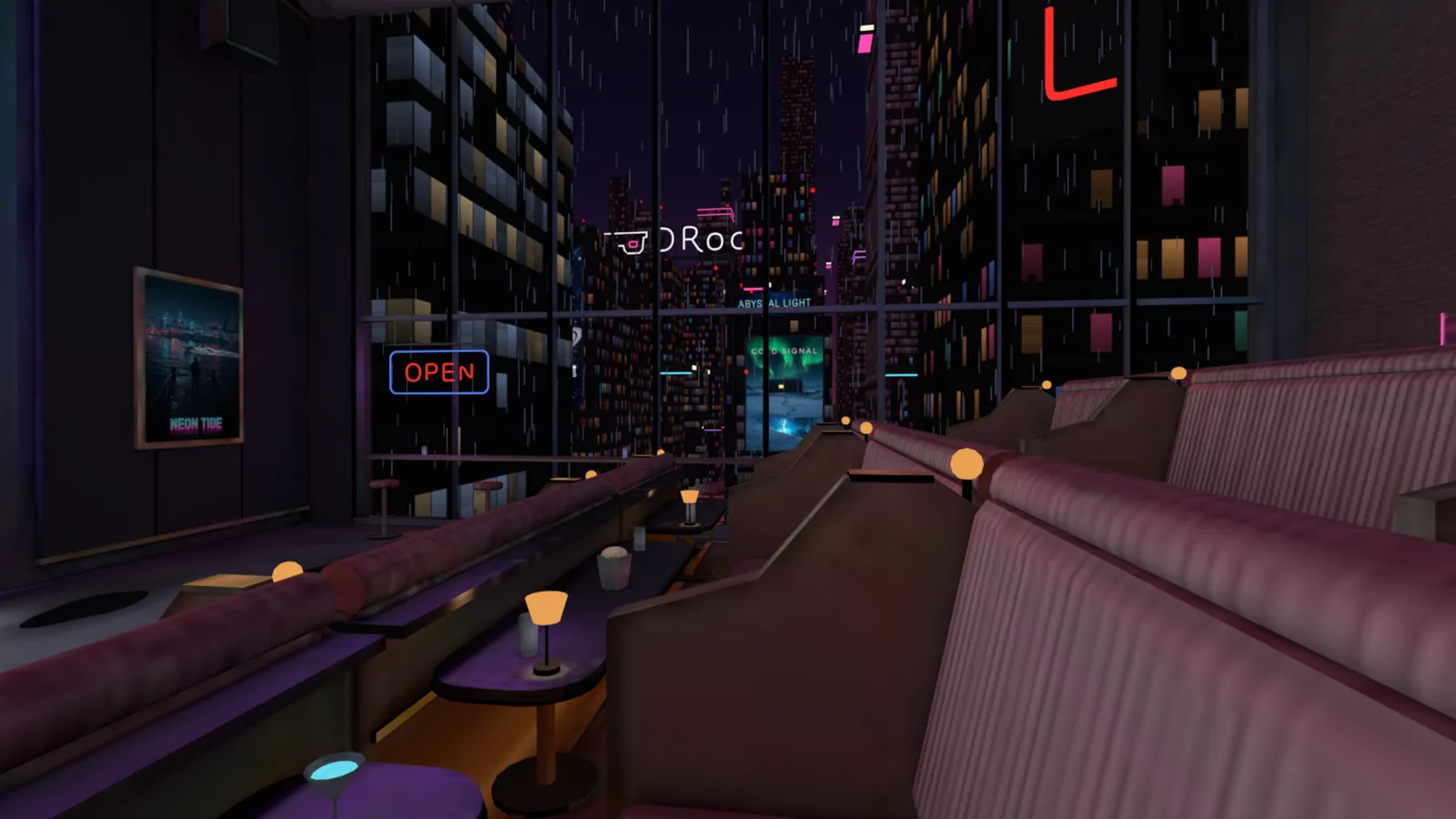
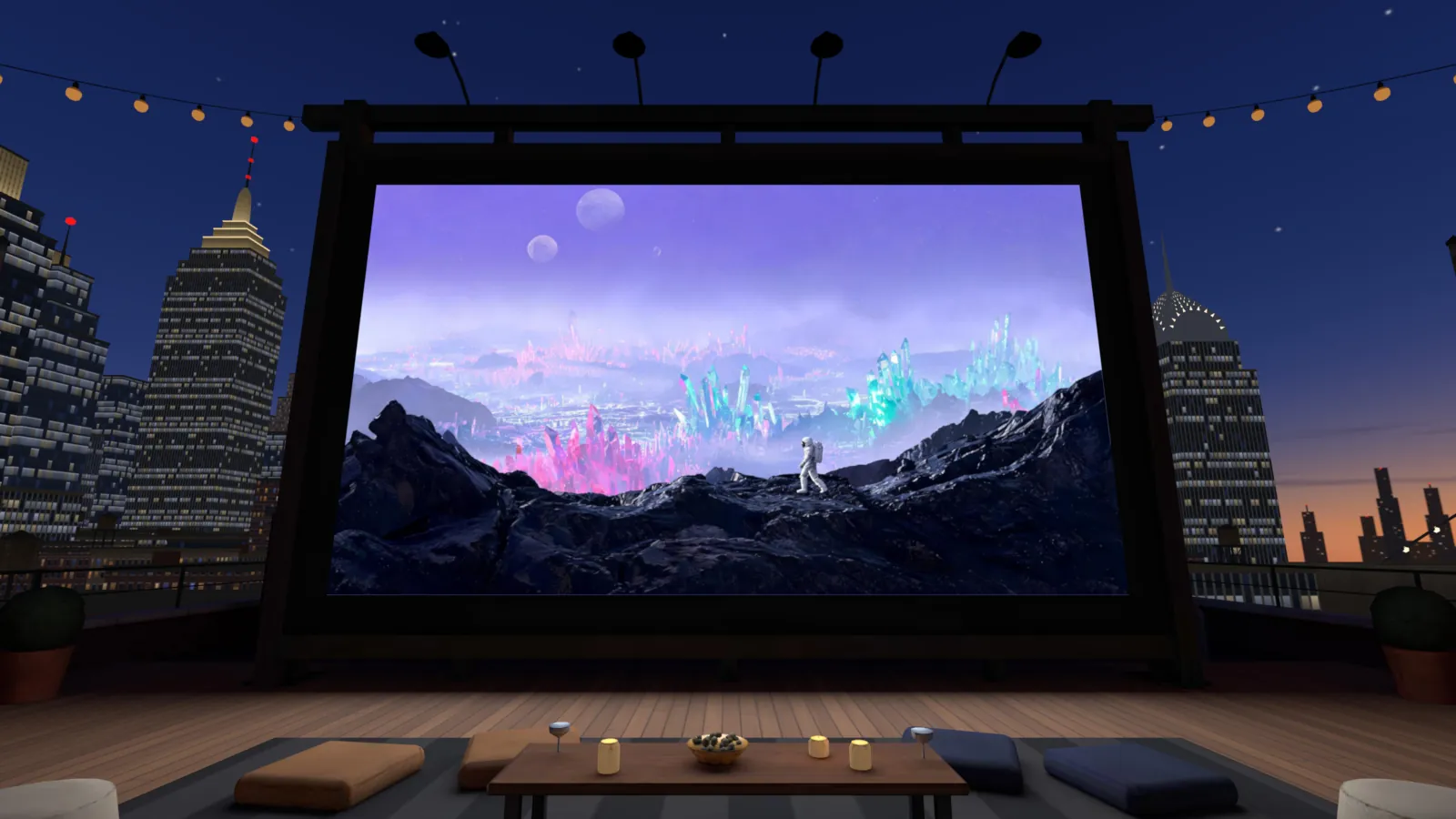
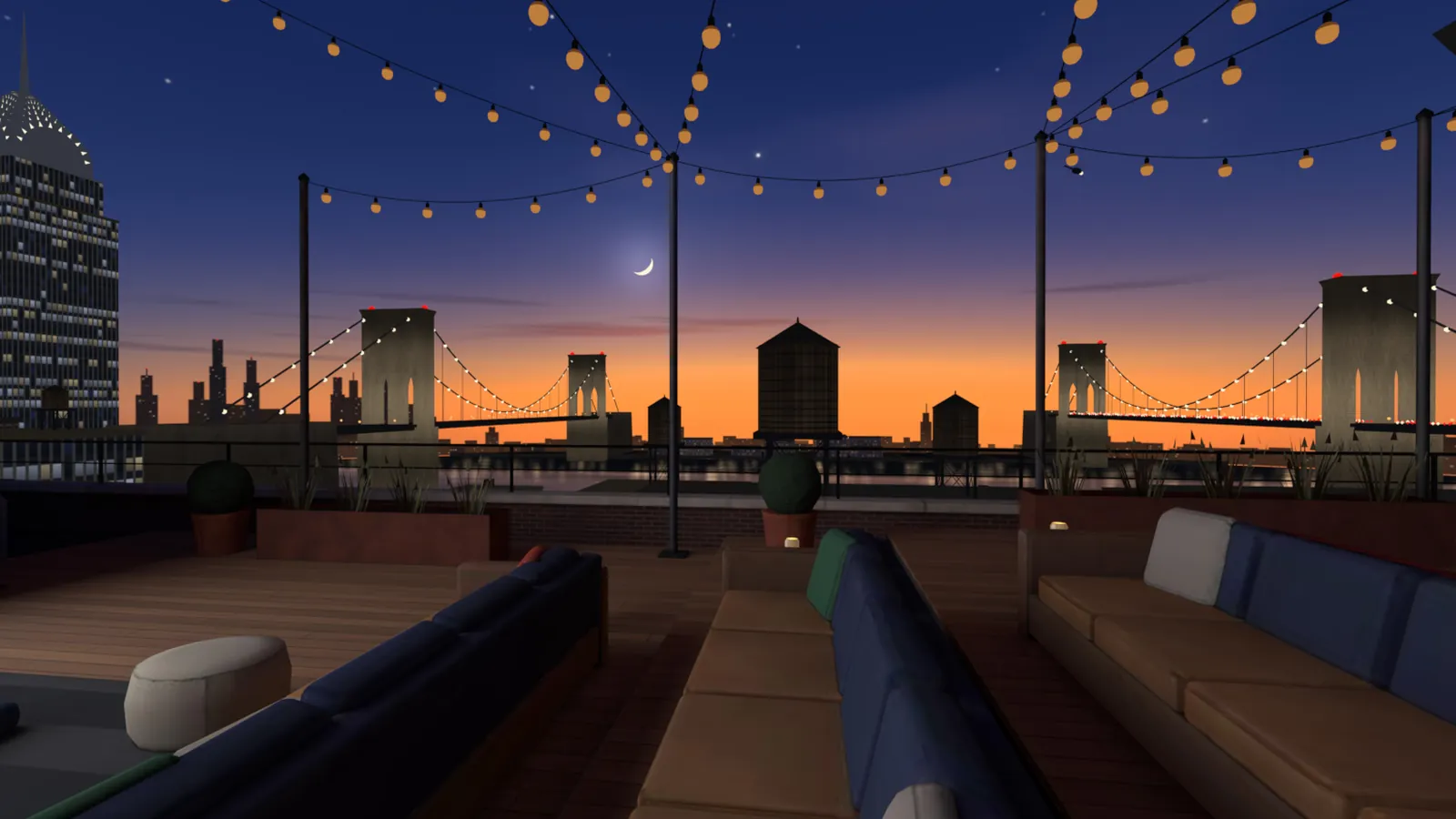
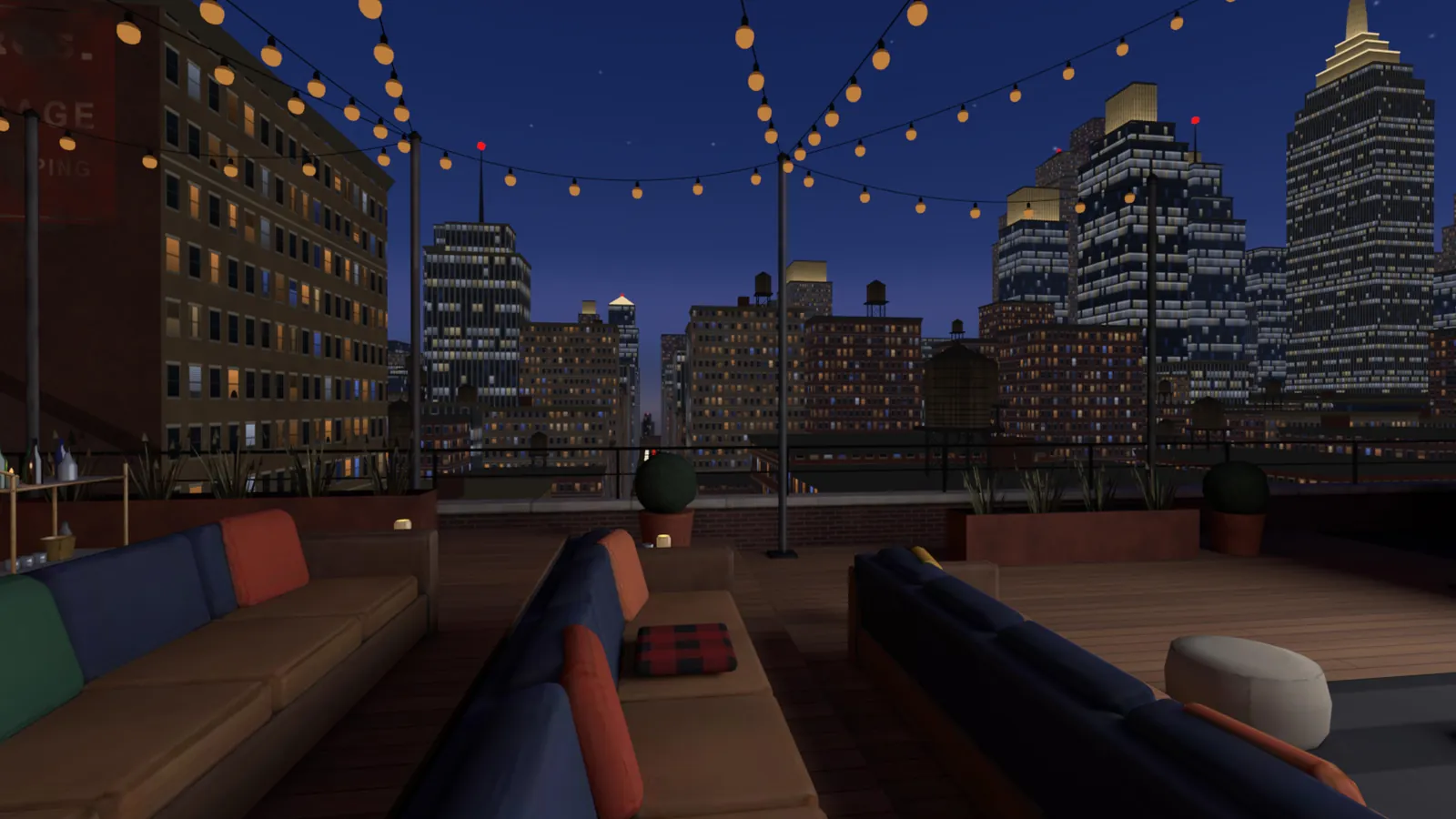
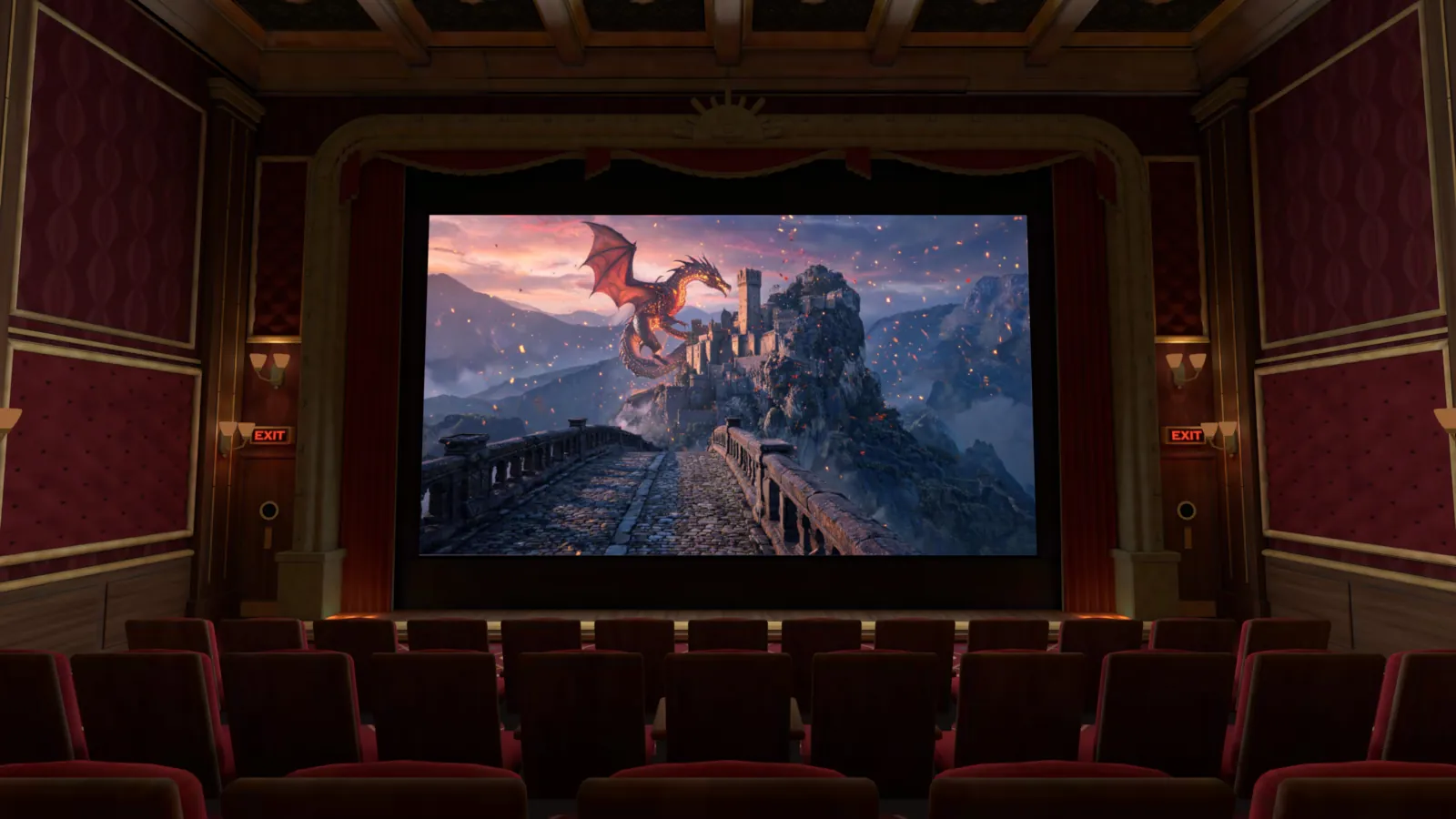
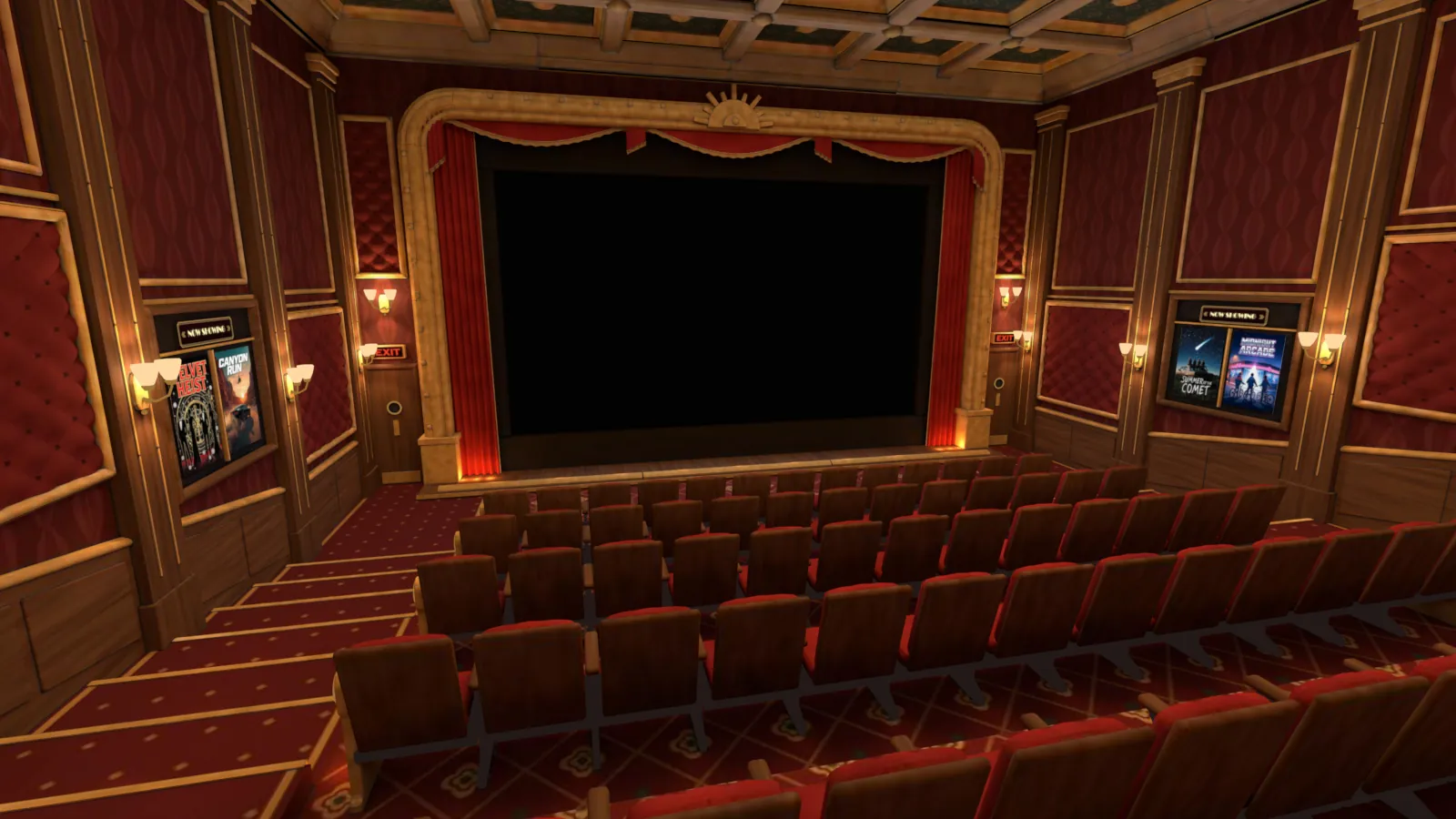
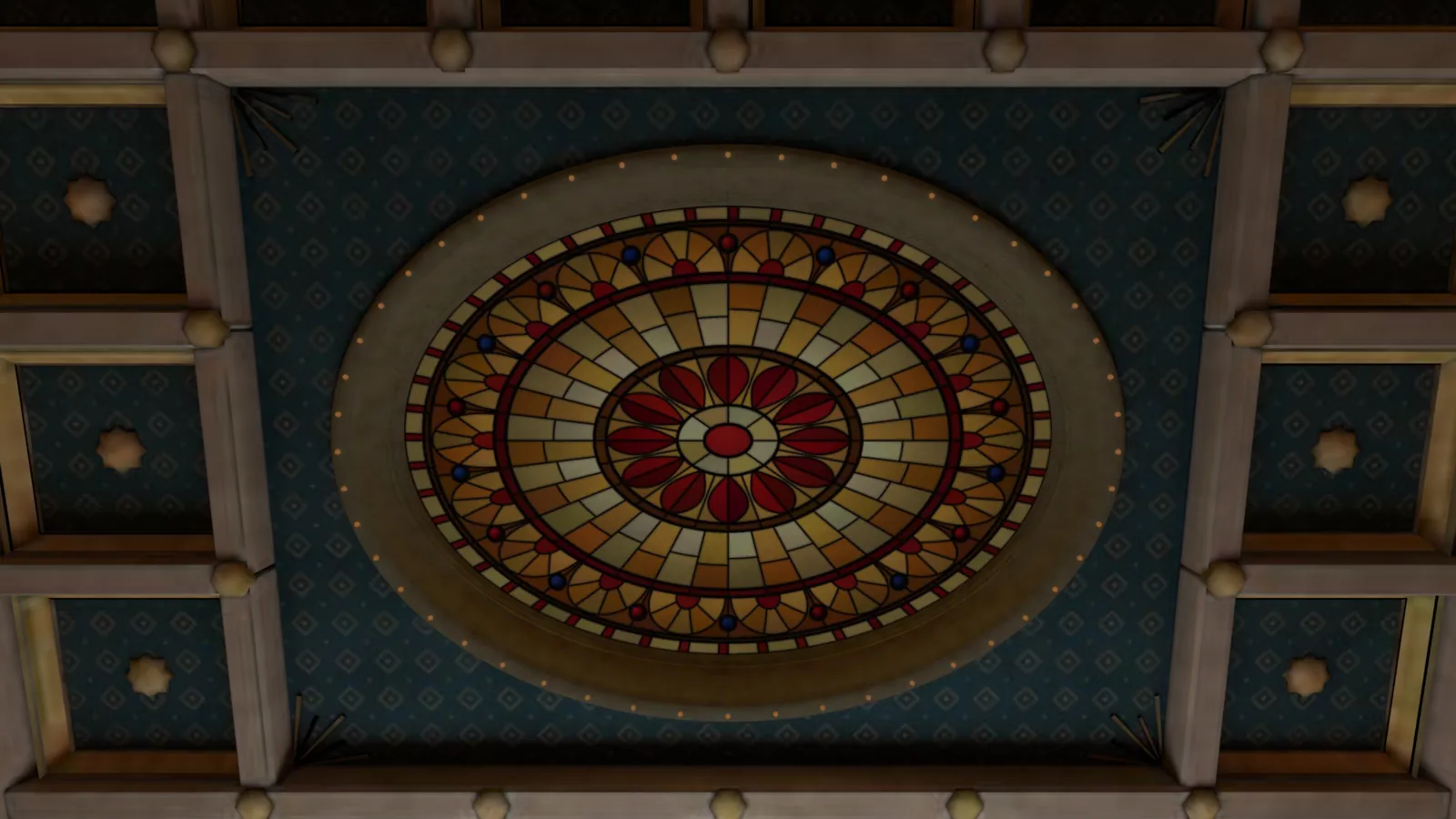
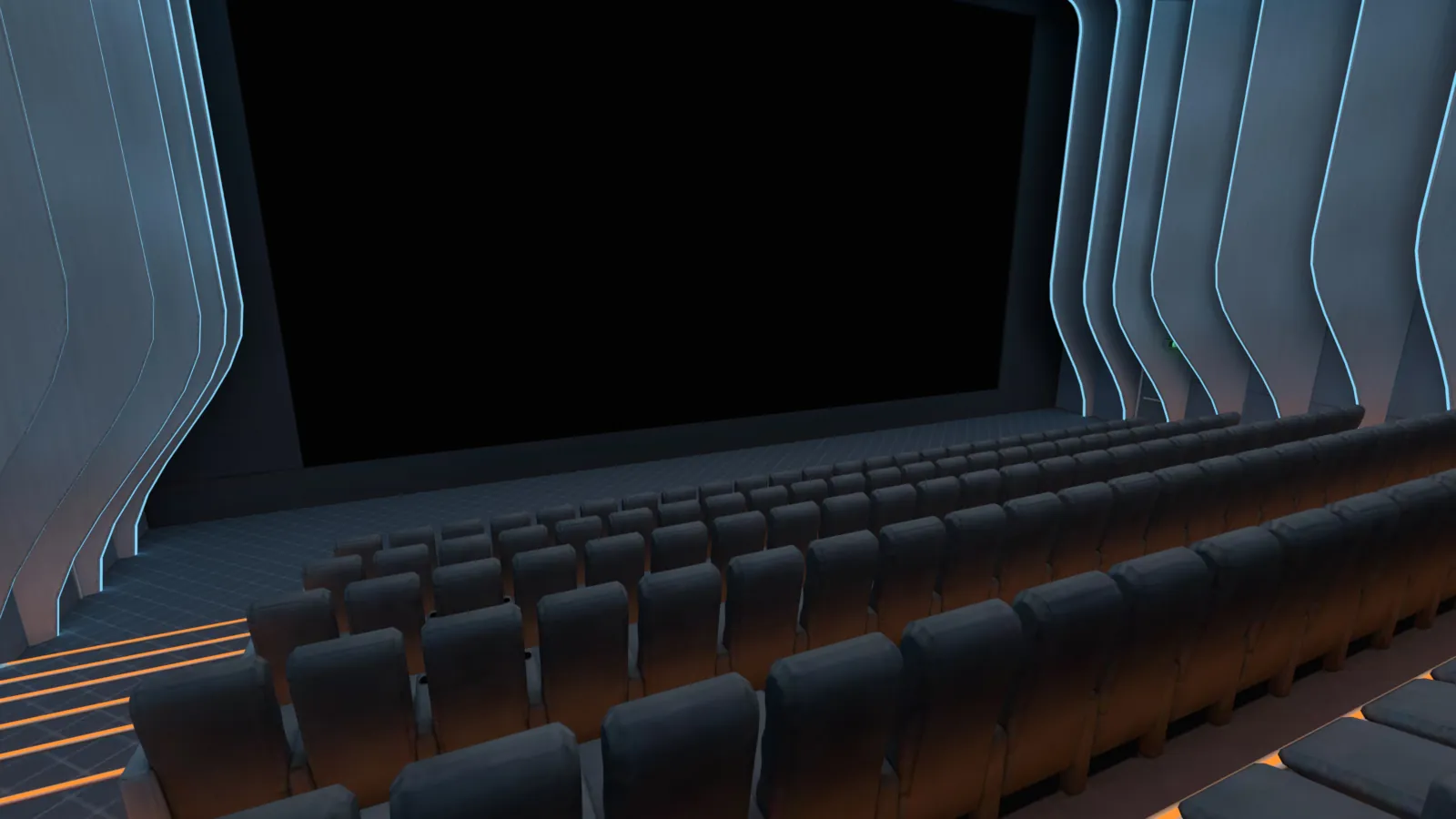
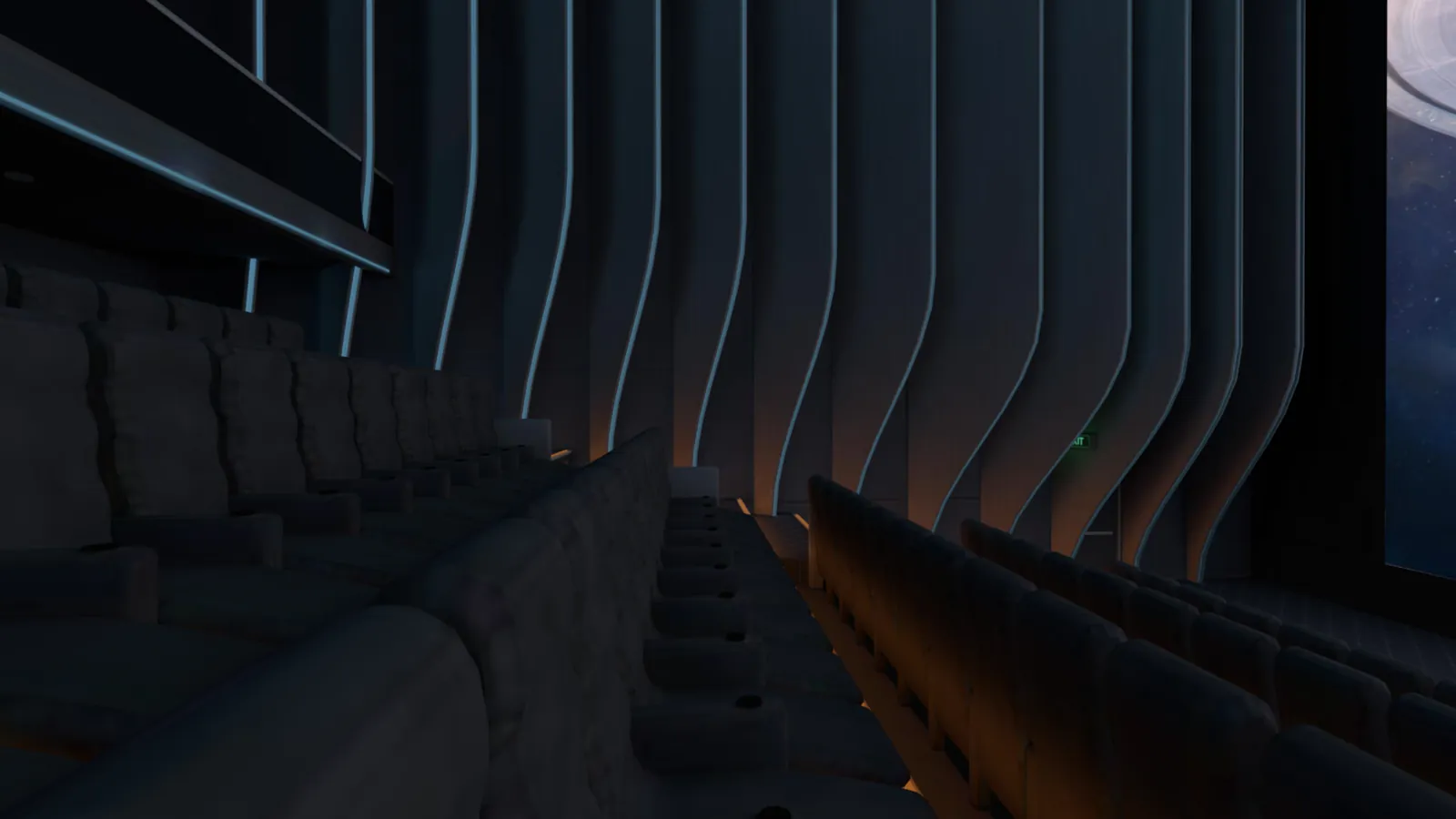
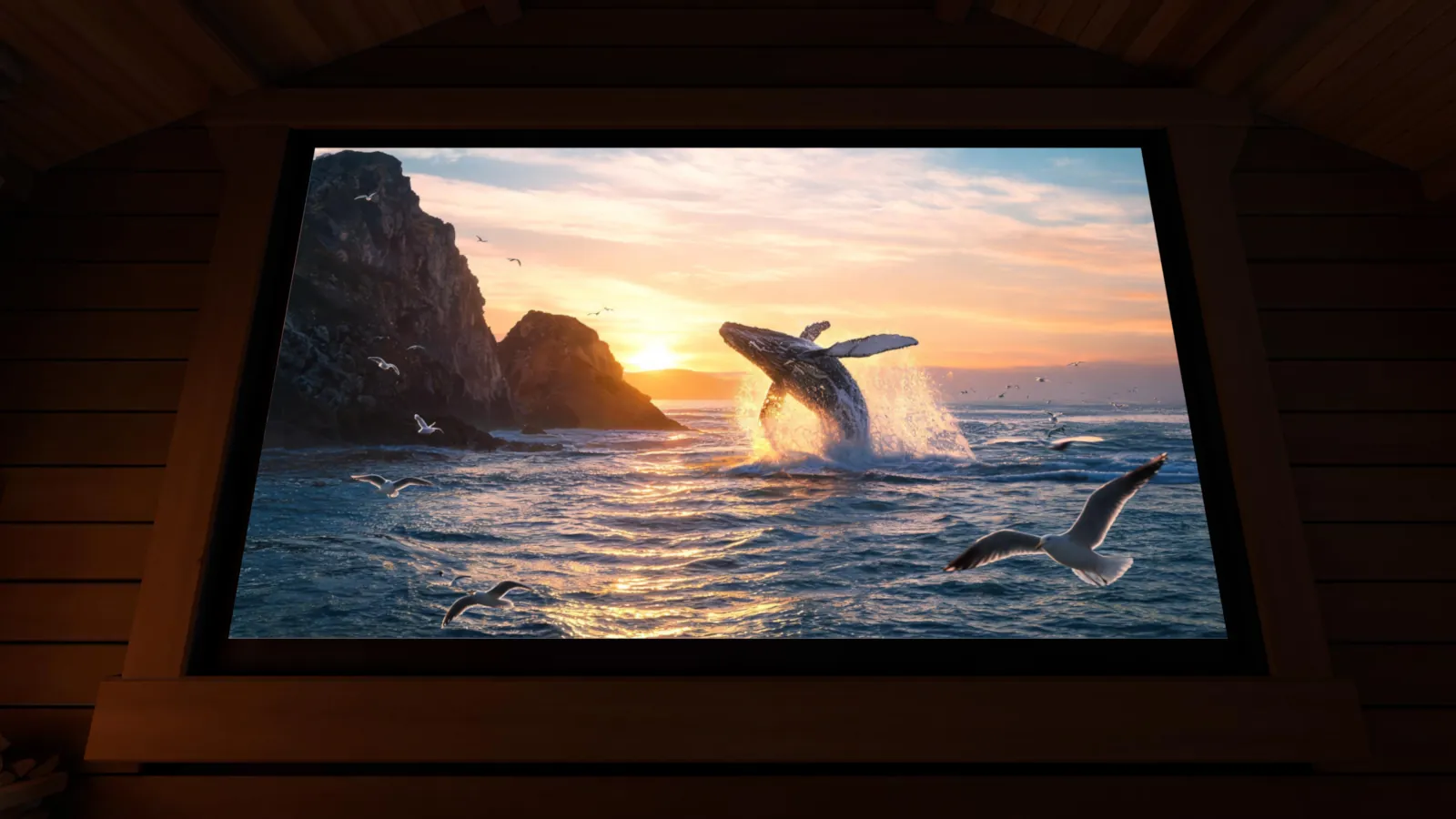
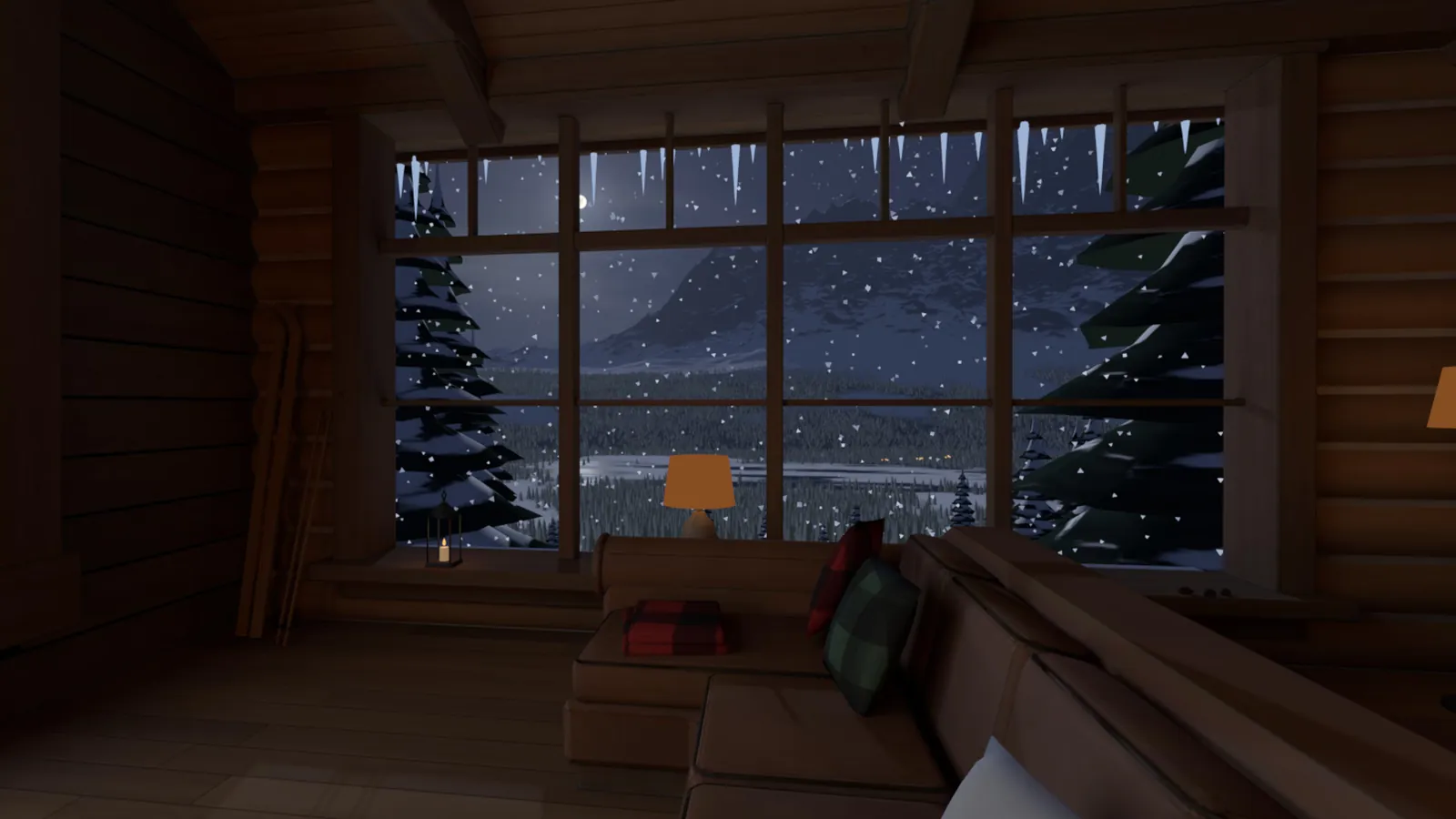
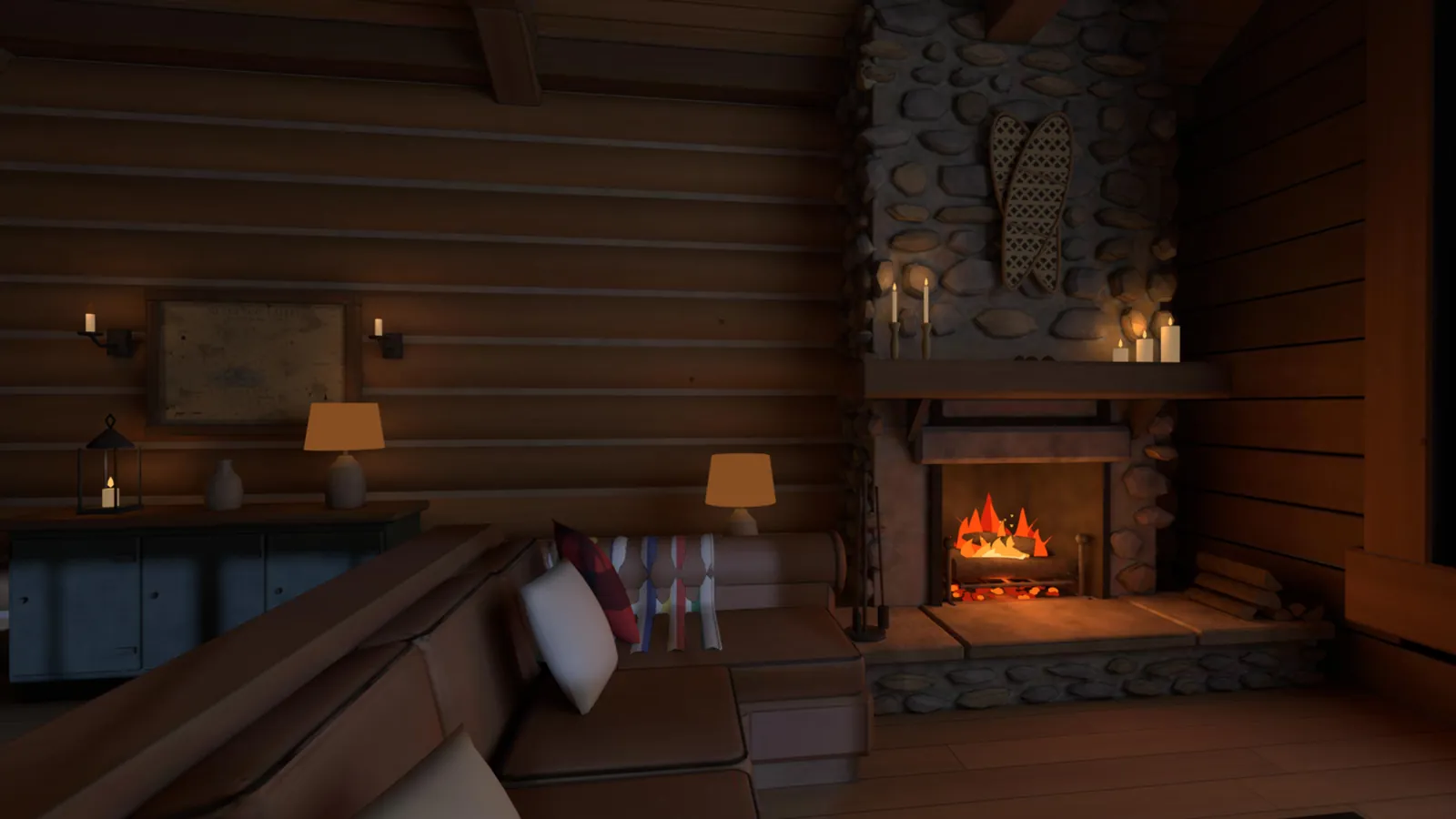
Step out of your living room and into a cinema built for the night. Float on a lantern-lit mountain lake, sit way too close to a giant 1990s TV, or watch from a New York rooftop at blue hour. Friends in a watch party take the seats beside you.
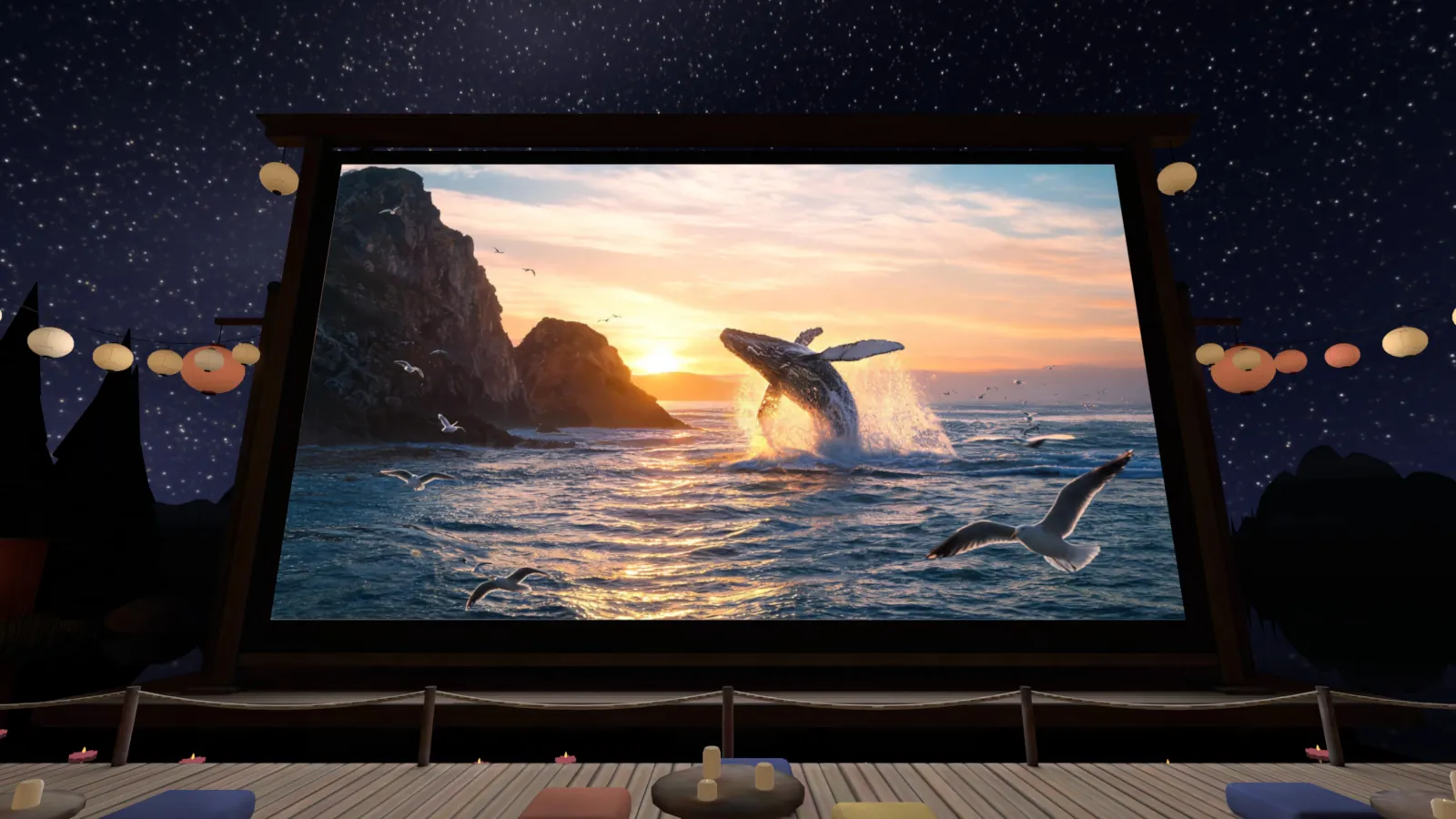
A floating deck on a mountain lake at night, with paper lanterns rising into the stars.
Renders from the room files that ship in the Quest app. The pictures on the screens are stills from made-up movies. See every room
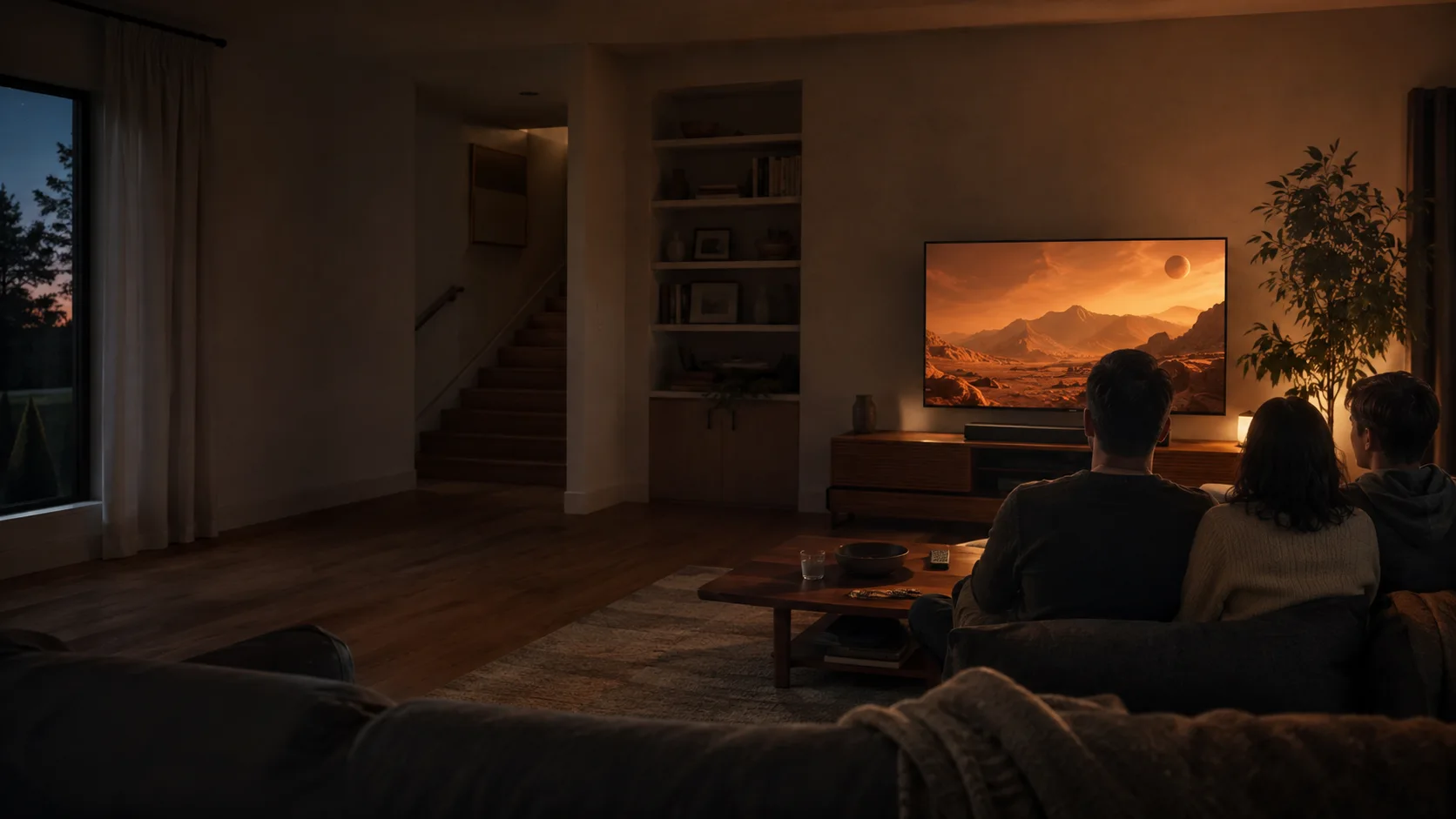
Your family watches on the TV. You watch beside them on a huge virtual screen, in 3D, and your headset stays quiet so the TV carries the sound. Or invite a friend from across town. Shared playback, voice, and chat make it one movie night.
2DLive 3DWebsite demo: your mouse starts on the PC.
Bring your Windows desktop into Quest, plus up to two fresh virtual desktops. Work beside a movie, play on a giant screen, or try your PC games in Live 3D. Use your familiar mouse and keyboard, with controls that get out of the way.
Live PC performance depends on your PC, headset, and network.
A quick joke. A wild theory. A friendly disagreement about the ending. Invite an AI Friend with a personality of their own, and ask them to pause or rewind in ordinary language.
Jovie · Quick wit, bold theories, and a good sport when they fall apart.
Watching The Amber Horizon
Wait, take it back about thirty seconds.
Backing up. I need another look at that very suspicious smile.
Illustrative dialogue; responses vary. Hold the on-screen mic to talk. AI Friends use online services.
Point DRock at Plex, Kodi, Jellyfin or Emby and it brings over your titles, posters and watched history in one pass. Sign in with Plex and it finds your servers on the network by itself, so there is nothing to type in.
Convert on your own Windows GPU or send the job to the cloud. Pick the format your gear wants: Full-SBS for headsets, Half-SBS for 3D TVs, Over-Under, or a frame-packed MVC 3D Blu-ray ISO that a 3D Blu-ray player treats like a pressed disc. That last one is rare, and we are pretty proud of it.
Local conversion works best with a recent NVIDIA GPU. Cloud conversion is optional and uses credits.
Share your library with friends and it shows up on their shelves, on Quest, TV and phone. Let a buddy run Live 3D on their TV straight from your PC, only during the hours you choose, only for the people you pick, one at a time.
Bring the movies and shows you already own, or the library you already built somewhere else. DRock keeps them organized with covers, seasons and watched status, then brings them to the screens you use.
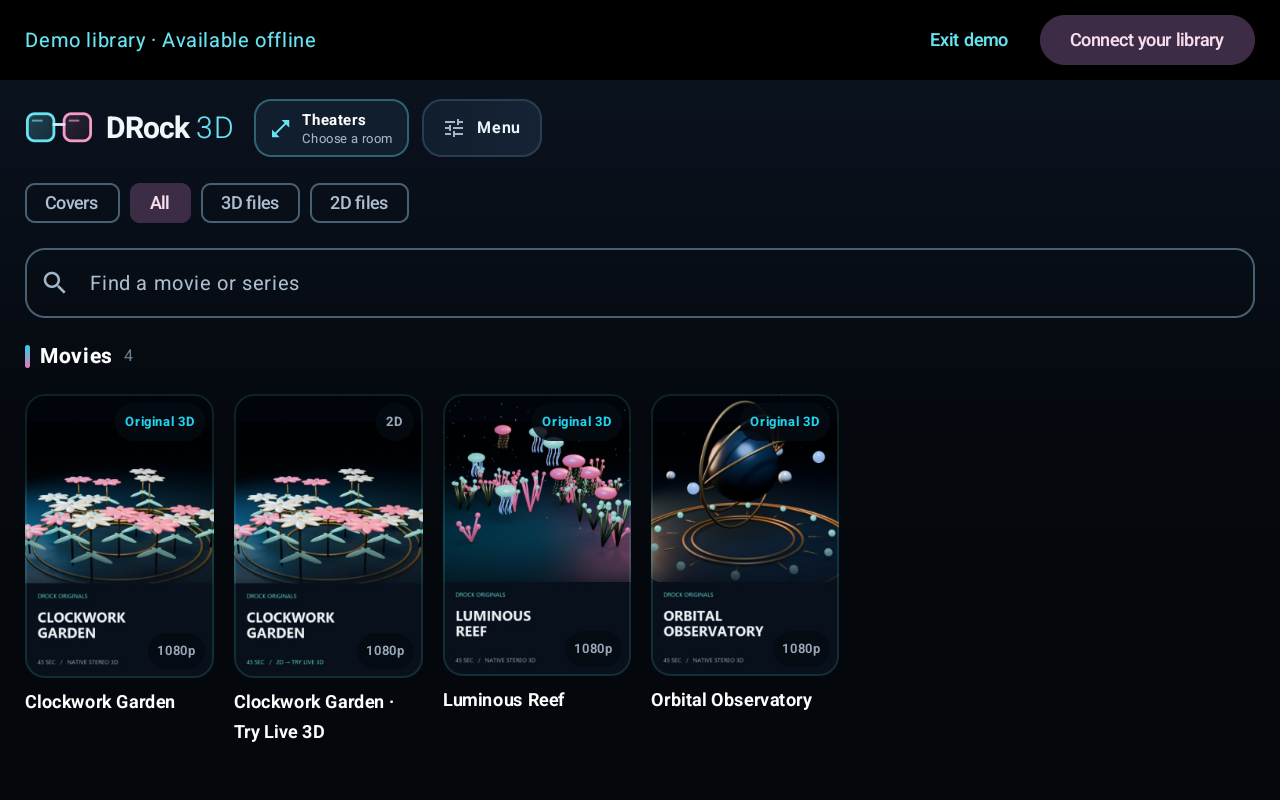
Browse movies and shows, keep track of what you've watched, and take your library from the headset to your TV or Android phone.
Pull matching subtitles from OpenSubtitles, or make your own with Whisper right on your PC when nothing fits.
Native SBS, Over-Under and MVC titles land on the 3D shelf from the stereo tag in the file name, and VR180 and VR360 video plays on the headset.
Keep personal titles in a Private folder that stays out of shared libraries and sits behind your PIN.
Audio repair, Blu-ray and Blu-ray 3D ISO authoring, and burning, for disc players and projector setups.
Turn on Speakers around you and a film's 5.1 or 7.1 track plays from speakers placed around your seat on Quest, and they stay put when you turn your head.
One pass relinks messy file names to the right movie, poster and year, and finds 3D files that were never tagged.
Skip intro, skip the credits, or jump to the scene after them, on Quest, TV, phone and PC. Next episode is one press away.
Hold the mic, ask for a movie by name, in 3D if you like, and DRock finds it and starts it.
Play native stereo content, MVC 3D Blu-ray ISOs and VR180/360 video. Save conversions as Half-SBS, Full-SBS, Over-Under, Anaglyph, or a frame-packed MVC 3D Blu-ray ISO, in MKV, MP4 or MOV for file output. DRock also includes subtitle downloads and Whisper, direct media links, offline downloads on supported apps, WebDAV for other headset players, and shared-library access with friends. Format and device support vary; use your own compatible media.
The apps are free during open beta. Cloud conversion is optional and uses paid credits.
Install DRock, add your media folders or import your Plex, Kodi, Jellyfin or Emby library, and keep the app running to stream your library or desktop.
Download for WindowsJoin the Quest beta, install the app on your headset, and connect it to your PC. Start with both on your home network.
Join the Quest betaBring the rest of your screens along.
TV and phone apps install from an APK; Android may ask you to allow installation. They can check for updates in the app.
Already testing? Alpha downloads · Need a hand? support@drock3d.com
An active beta, built with the people who use it. Here's what to know.
For the standard setup, yes. Windows hosts your media library and streams Live PC to the headset. Keep DRock running while you stream. Headset Live 3D creates the depth on your Quest GPU, or your PC can do it on an NVIDIA GPU at up to 1080p per eye; saved-video conversion can run on your Windows GPU or in the paid cloud service.
Yes. Watch Together keeps the same video synchronized across DRock apps. Your TV can show the 2D movie while your Quest applies Live 3D locally. You can stay in a Home window and keep a separate Live PC window open.
No. DRock plays and organizes your own media. The website's original demo scenes and library artwork illustrate the experience; no movie catalog is included. Protected streaming services may restrict desktop capture.
Yes, two ways. Import it once and DRock copies the titles, posters and watched history into its own library. Or add the Plex server as a library source: its titles show on your DRock shelves and stream through your PC to the headset, TV and phone. Sign in with Plex finds servers on your network by itself, and you can also type an address. Kodi, Jellyfin and Emby libraries import the same way.
It is the format pressed 3D Blu-ray discs use: two full 1080p views packed into one MVC stream. DRock can author a 3D Blu-ray ISO in that format from your conversion, so a 3D Blu-ray player, a 3D projector setup, or a media player that handles MVC gets the real thing instead of a side-by-side workaround. Half-SBS ISOs are still there for players that only want those.
If you let them. Turn on Live 3D for friends, set the hours it is allowed, and pick who can use it. One guest at a time, it runs on your PC's GPU, and you can switch it off whenever you like.
With Live PC and the DRock Home window open, push your physical PC mouse through a screen edge to move into DRock. Click library and social controls, scroll lists, or operate the video. Cross back or press Escape to return to Windows. It controls DRock's own interface, and physical keyboard typing stays on your PC.
Your PC, Quest model, video format, and network all matter. Start on the same home network, keep the PC and headset apps up to date, and use the stream quality settings to suit your connection. The app includes Auto quality and manual controls.
The DRock apps are free during open beta. Cloud conversion is an optional paid service that uses credits. You can use local conversion with a suitable GPU and stream your own library without buying cloud conversion credits.